Adding subtitles in DaVinci Resolve without retyping every line
Free Resolve doesn’t include Studio’s neural transcription. Generate an SRT offline on your Mac or PC, import it to a subtitle track, then style or burn in on Deliver.
SRT ready for Resolve’s free edition
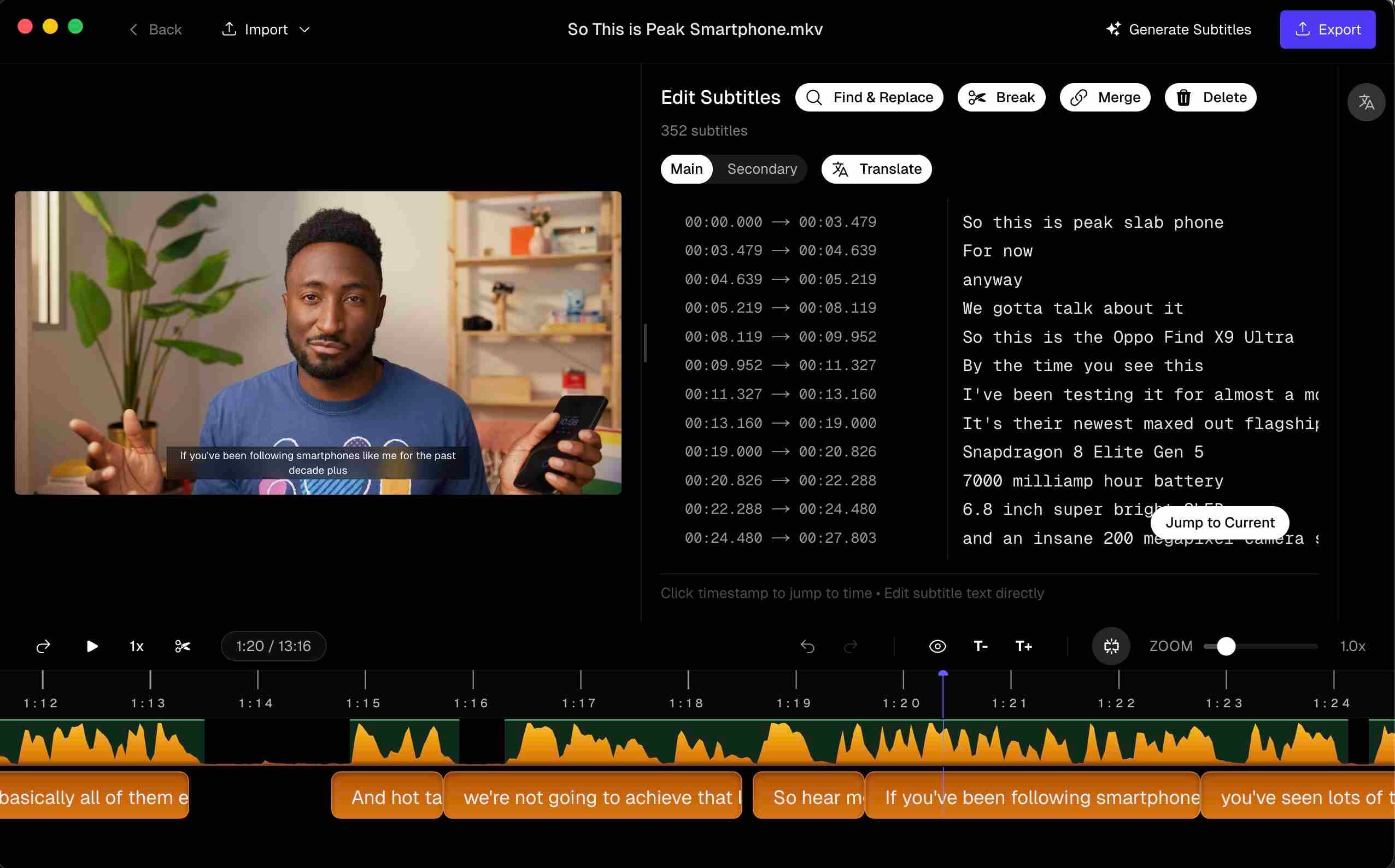
DaVinci Resolve is where a lot of colour and finishing happens — including on the free edition. Captioning is where editions diverge: Studio can run neural transcription; free Resolve expects you to bring captions in. That gap is the whole point of this page. For a longer walkthrough with screenshots, see How to add subtitles for DaVinci Resolve on Mac.
Subtitle track vs Text+ vs Fusion
- Subtitle track — timed dialogue. Import SRT, edit cues, export soft subs or burn in on Deliver. Start here.
- Text+ — generator titles. Great for openers; miserable for 800 interview lines.
- Fusion text — motion-graphics control for a single designed title, not a caption track.
If you are pasting cue text into Text+, stop and switch to a subtitle track.
Why free Resolve users outsource transcription
Studio’s speech-to-text is convenient when you already pay for Studio. On free Resolve you type manually or import a timed file. Manual entry loses past a trailer. Generating captions locally also avoids uploading unfinished grades to a browser tool.
Step-by-step: SRT into Resolve
- Lock picture (or export a matching reference).
- Generate captions offline; proof on a waveform.
- Export SRT.
- Add a Subtitle track in Resolve.
- Import the SRT; check sync on hard cuts.
- Set font and safe-area in the subtitle inspector.
- On Deliver, include a sidecar where supported — or enable burn-in for platforms that need hardcoded text.
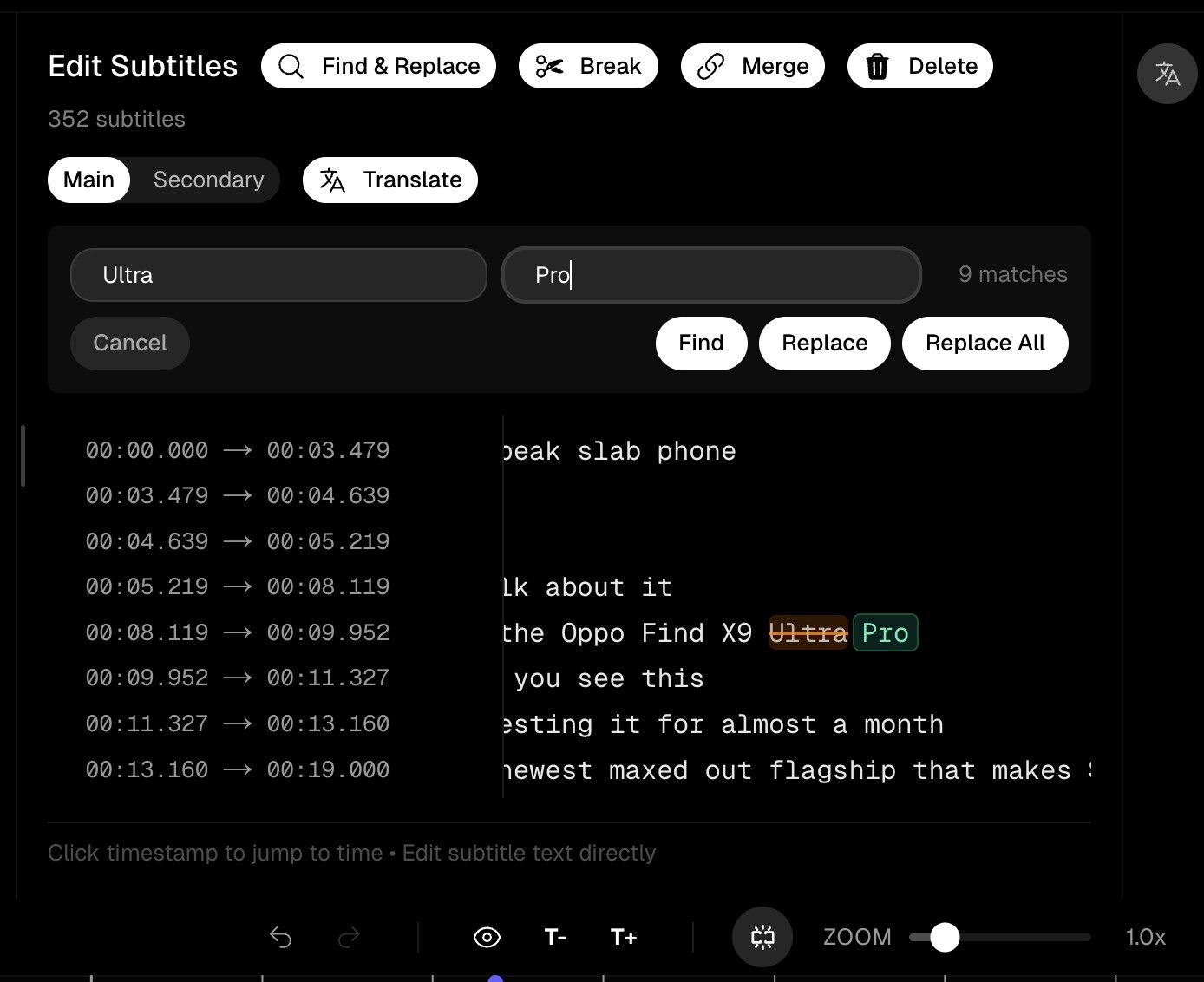 Timed subtitle cues in Subtitle Studio, ready to export as SRT for Resolve
Burn-in on Deliver
Match the style you checked on the Edit page, and render a short test before overnight exports. YouTube usually wants a separate SRT. Instagram / TikTok cutdowns usually want burn-in (in Resolve or upstream).
Questions & Answers
Does DaVinci Resolve transcribe audio automatically?
Resolve Studio includes neural speech-to-text. The free edition does not — which is why editors generate an SRT externally and import it.
Subtitle track vs Text+ — which should I use?
Subtitle track for dialogue captions (import SRT, soft subs, burn-in). Text+ / Fusion text for designed titles and lower thirds — not hundreds of interview cues.
How do I import an SRT?
Add a Subtitle track, then import the SRT (File → Import → Subtitle, or drag depending on version). Spot-check sync and style in the subtitle inspector.
Should I burn in inside Resolve or earlier?
If Resolve is finishing, burn in on Deliver. For social cutdowns only, burning in Subtitle Studio and importing a flattened MP4 is often faster.
Can I style imported subtitles?
Yes — font, size, colour, position in the subtitle inspector. Heavy motion treatments belong in Fusion, usually overkill for dialogue.
Is there a Windows version?
Yes. Subtitle Studio runs on Apple Silicon Macs (macOS 12+) and on Windows 10/11 (64-bit), where an NVIDIA GPU is optional and speeds up processing. One $69 lifetime license works on both.