Download Subtitle Studio
Start generating accurate AI subtitles offline on your Mac. No uploads, no subscriptions, complete privacy.
macOS 12.0+ (Apple Silicon only)
System Requirements
- Apple Silicon Mac: M1, M2, M3, M4, M5, or newer
- macOS: 12.0 (Monterey) or later
- RAM: 8GB minimum (16GB recommended)
- Storage: 2GB free space for app and models
How to add English subtitles to your video using Subtitle Studio AI
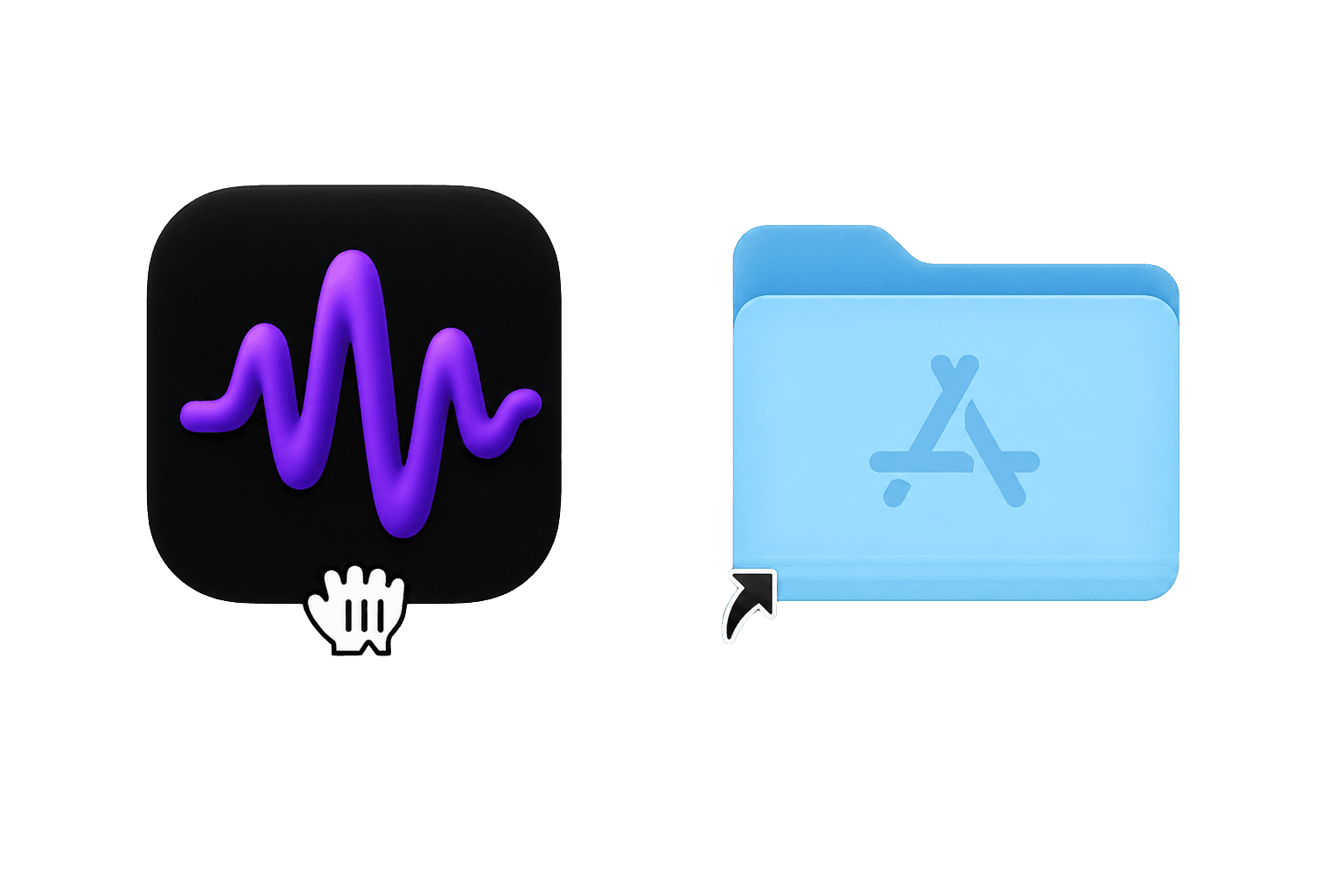
1. Download and install
Download Subtitle Studio AI, open the .dmg, and drag the app into your Applications folder.
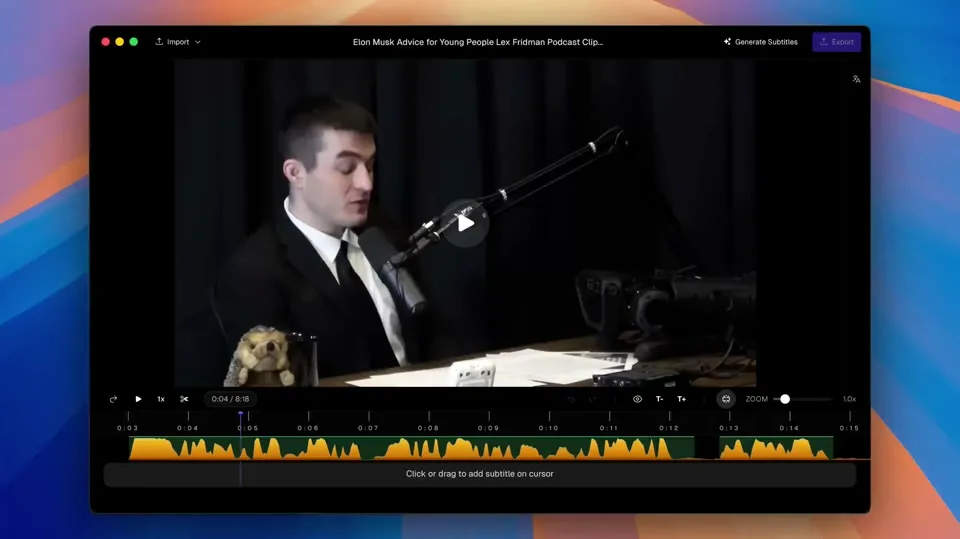
2. Drag and drop your video
Drop any video file into the app — MP4, MOV, MKV, and more. No uploads, no cloud.
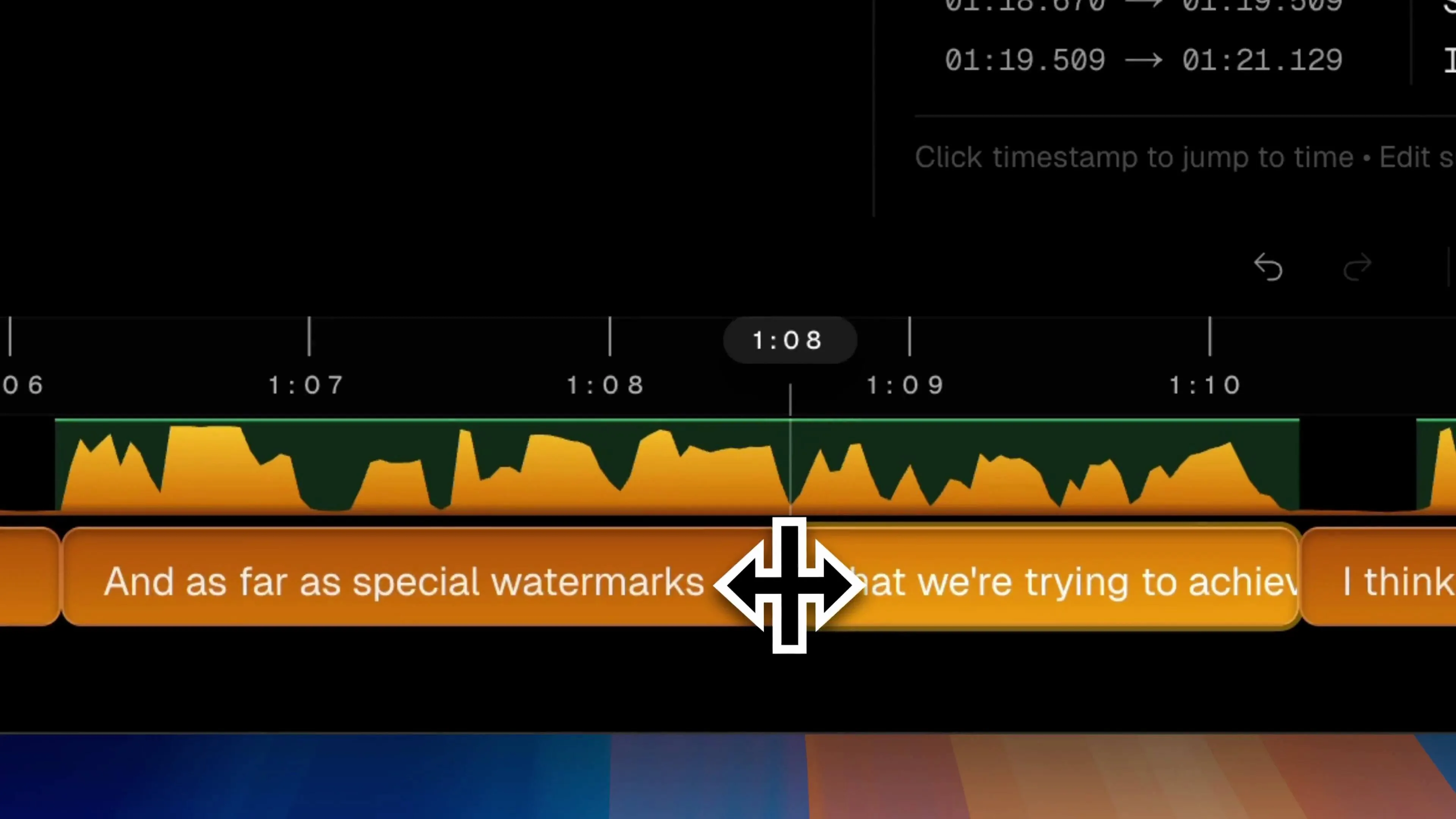
3. Generate and edit
Click Generate to transcribe locally, then fine-tune timing, line breaks, and wording in the editor.
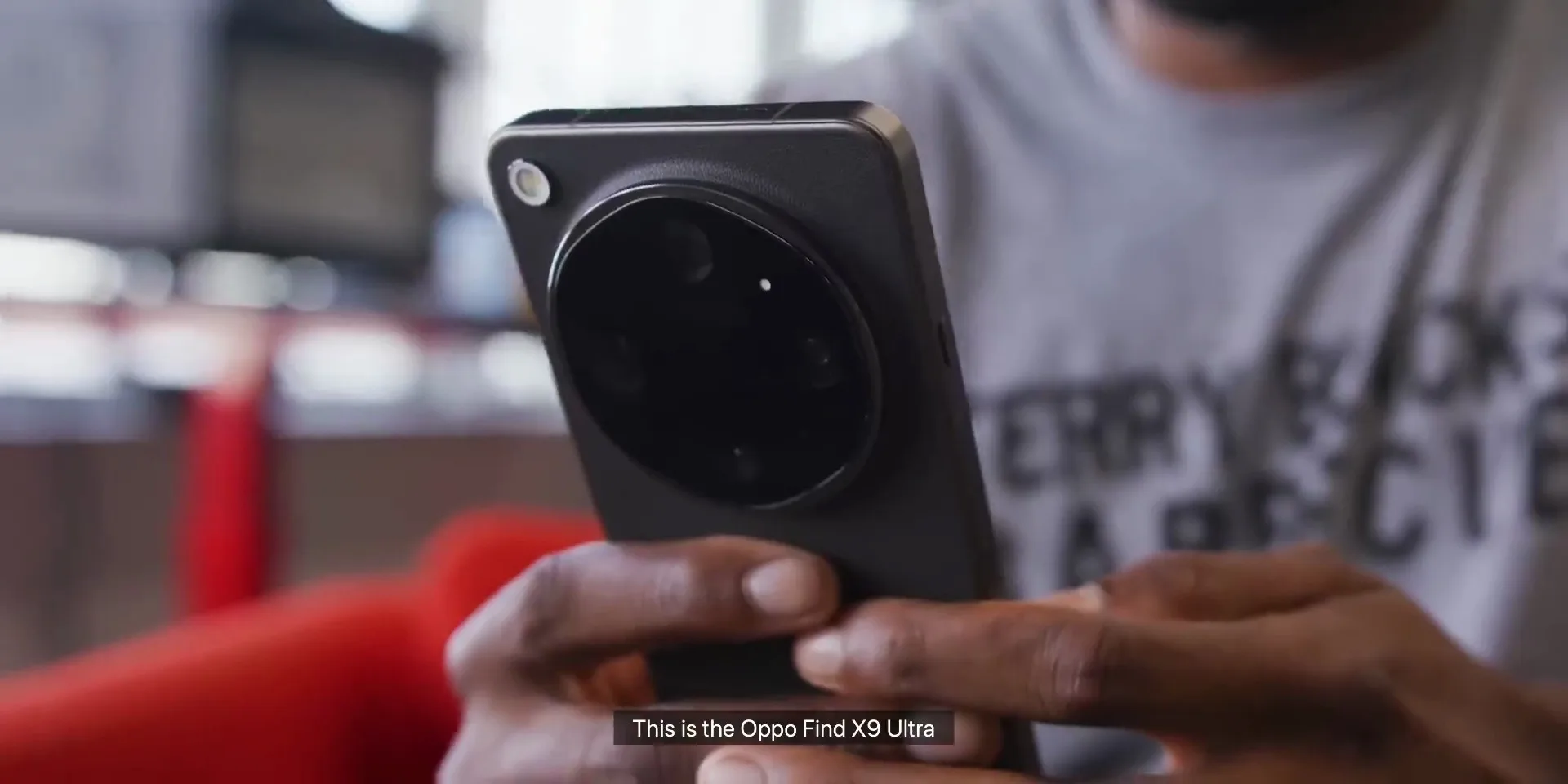
4. Export SRT or burn-in video
Export a clean SRT/VTT file for your NLE, or burn subtitles directly into your video — all on your Mac.
Video Tutorial
Watch a quick walkthrough: import a video, generate subtitles, and export.
Blogs
Frequently Asked Questions
Is Subtitle Studio AI safe to download? Will it cause macOS security warnings?
Yes, it is 100% safe. Our software is digitally signed and notarized directly by Apple. If you encounter a "developer cannot be verified" prompt during installation, simply right-click the app icon and select "Open" to grant permission safely.
Is the download completely free? What are the limitations of the free version?
Yes, the download is free. You can use our local AI model to transcribe and view your interactive transcripts with zero time limits. Upgrading to the Pro Lifetime version unlocks advanced features like one-click SRT/VTT export and native Final Cut Pro / Premiere XML project timelines.
Does Subtitle Studio AI require an internet connection? Are my videos private?
No internet required! Subtitle Studio AI runs 100% locally on your Mac. Your video and audio files never leave your computer and are never uploaded to any servers. Your privacy is 100% protected.
The only network connection it needs is the model download. Once the model is downloaded, your videos and subtitles stay on your Mac — completely private.
Need help?
Our team is here if you run into install issues or have product questions.
Contact Support