Quick answer (TL;DR)
- Highest accuracy, privacy, heavy volume, Mac or Windows → Subtitle Studio AI (US$69 one-time; lowest error rate in this test; weaker line breaks on heavy code-switching; desktop app for Mac and Windows)
- No install, paste a link, occasional subtitles → Subanana (free tier; recognition close to Subtitle Studio after accounting for written-Chinese style; all English in lowercase; rare severe misreads)
- Spoken-to-written conversion, custom glossary, cross-platform → CantoSub AI (from HK$75/month; missed a fictional proper noun and slang in this default-settings run)
Every test asset is downloadable — source video, human transcript SRT, and raw SRT from each tool — so you can verify the scores yourself. See Raw file downloads.
Why Cantonese subtitles are unusually hard
In 2026, frontier speech models still stumble on Cantonese. Viral clips even joked that Grok’s speech model sounded like a “Tam Jai accent.”
Three reasons show up again and again:
- Nine tones — small pitch shifts change meaning
- Code-switching — Hong Kong speakers mix English mid-sentence (
Premiere Pro,workflow,subtitle) - Fast-moving slang — new colloquialisms outpace training data
Several Hong Kong–focused AI subtitle products now target that gap. More choice also means more marketing claims. This article compares three popular options with one shared test clip, so you can decide by device, volume, budget, and privacy — not by vendor-reported percentages alone.
What “good subtitles” actually means
Accuracy is the floor, not the product. Watchable captions also need timing, line breaks, reading speed, condensation, and consistency.
1. Timing and reading speed
Captions should appear with speech and linger ~0.3–0.5s after it ends. Common guidelines:
- Minimum on-screen time ≈ 1 second
- Maximum ≈ 6–7 seconds
- Comfortable Chinese reading speed ≈ 12–15 characters per second (CPS)
If dialogue is too fast, shorten the text rather than cramming every syllable.
2. Characters per line
For Chinese, prefer one line, two only when needed. Aim for 13–16 characters per line; past ~18 characters, eyes start scanning. English targets are usually 37–42 characters per line.
3. Line breaks
Break at meaning boundaries — not in the middle of a phrase. Keep names, verb + particle units, and adjective + noun groups intact.
4. Condensation
Spoken language repeats and fillers. Professional captions keep the meaning and drop the noise, especially on fast speech.
5. Placement and consistency
Default: bottom-center with safe margins. Keep font, color, punctuation, and spelling consistent for the whole file.
Subtitle self-check
- Wrong characters or near-homophone swaps?
- Lines too long?
- Awkward mid-phrase breaks?
- Any cue under ~1 second?
- Timing early or late vs speech?
- Spelling / punctuation style drifting?
- Unnecessary fillers left in?
- Captions covering important visuals?
1. Subtitle Studio AI — offline, one-time purchase
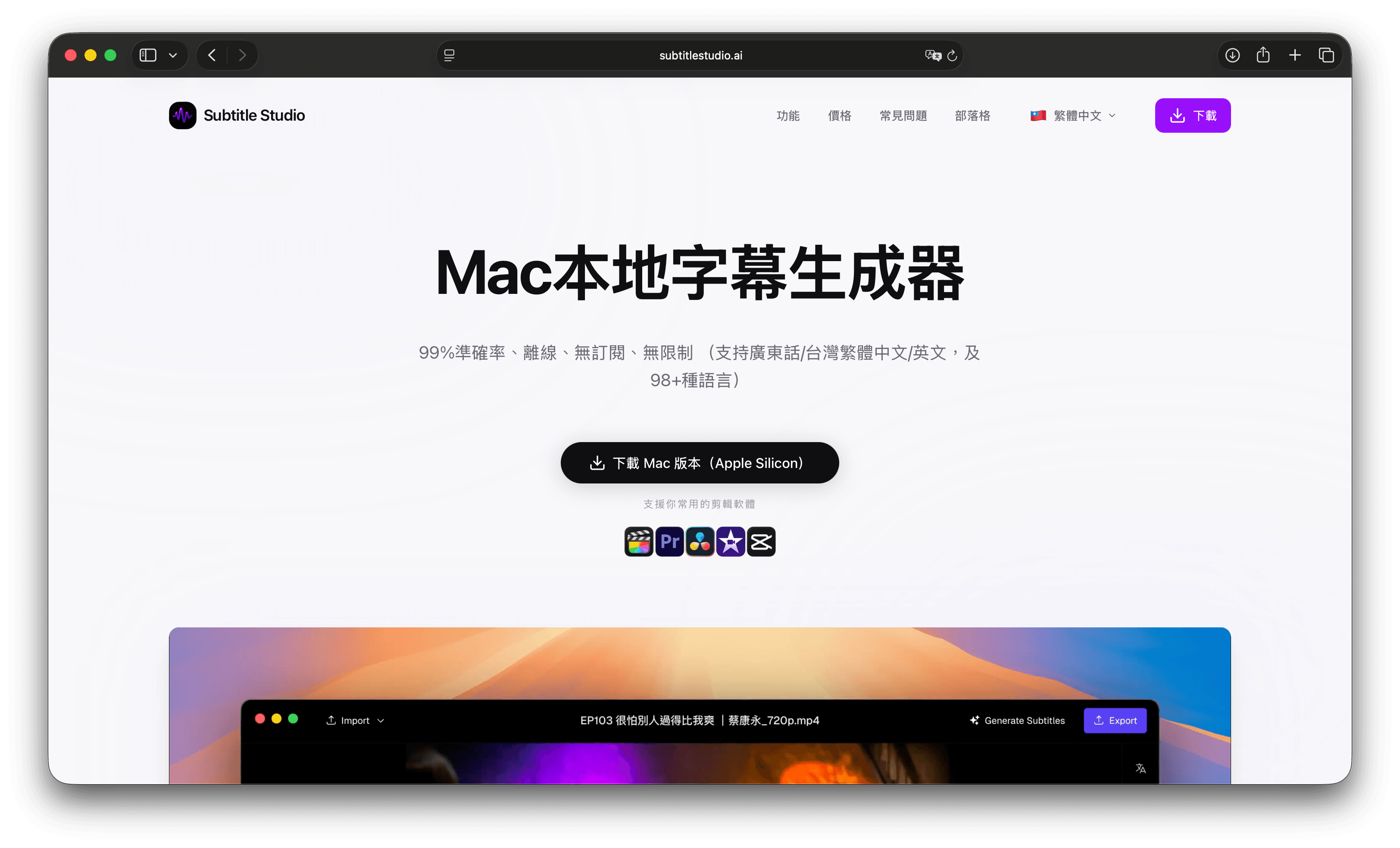
Subtitle Studio AI is an offline desktop subtitle app for Mac and Windows. Video never uploads to a server; transcription runs on-device with a local Whisper-class model.
Unlike plain Whisper wrappers, it adds speech activity detection (VAD), alignment, and hallucination cleanup — useful for Cantonese and English–Chinese mixing even with music or noise. It supports 98+ languages (including Cantonese, Taiwanese Hokkien, and Mandarin) with a lifetime license option.
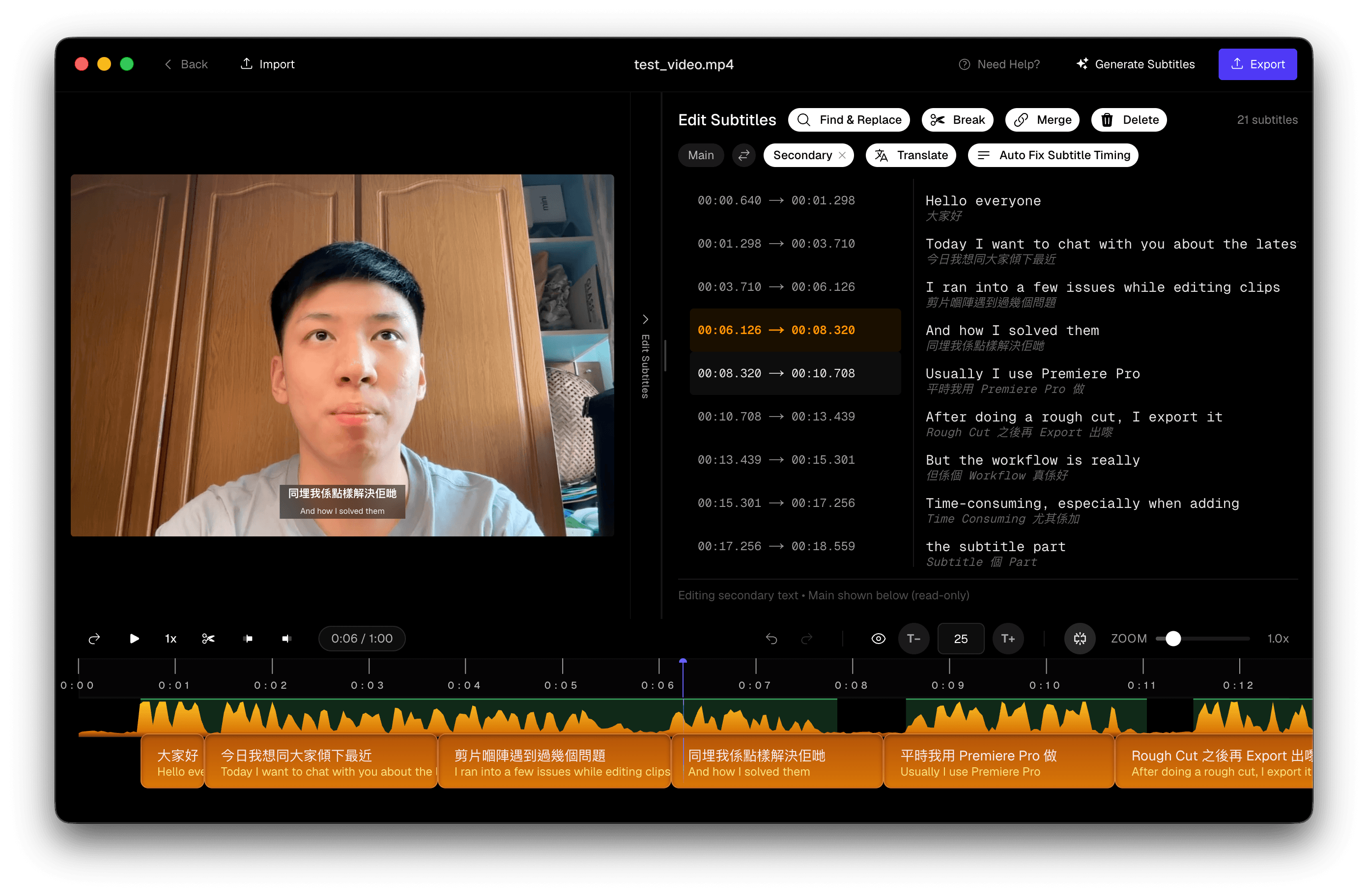
 Subtitle Studio AI main interface showing Cantonese subtitle generation
Built-in translation can turn English, Japanese, Korean, and more into Traditional Chinese — including bilingual tracks — via on-device models or APIs (Grok, OpenAI, DeepSeek, Ollama) while keeping timecodes.
 Subtitle Studio AI translation panel
Editing includes find-and-replace, split/merge, SRT export for Premiere Pro / Final Cut Pro / DaVinci Resolve, and burn-in export.
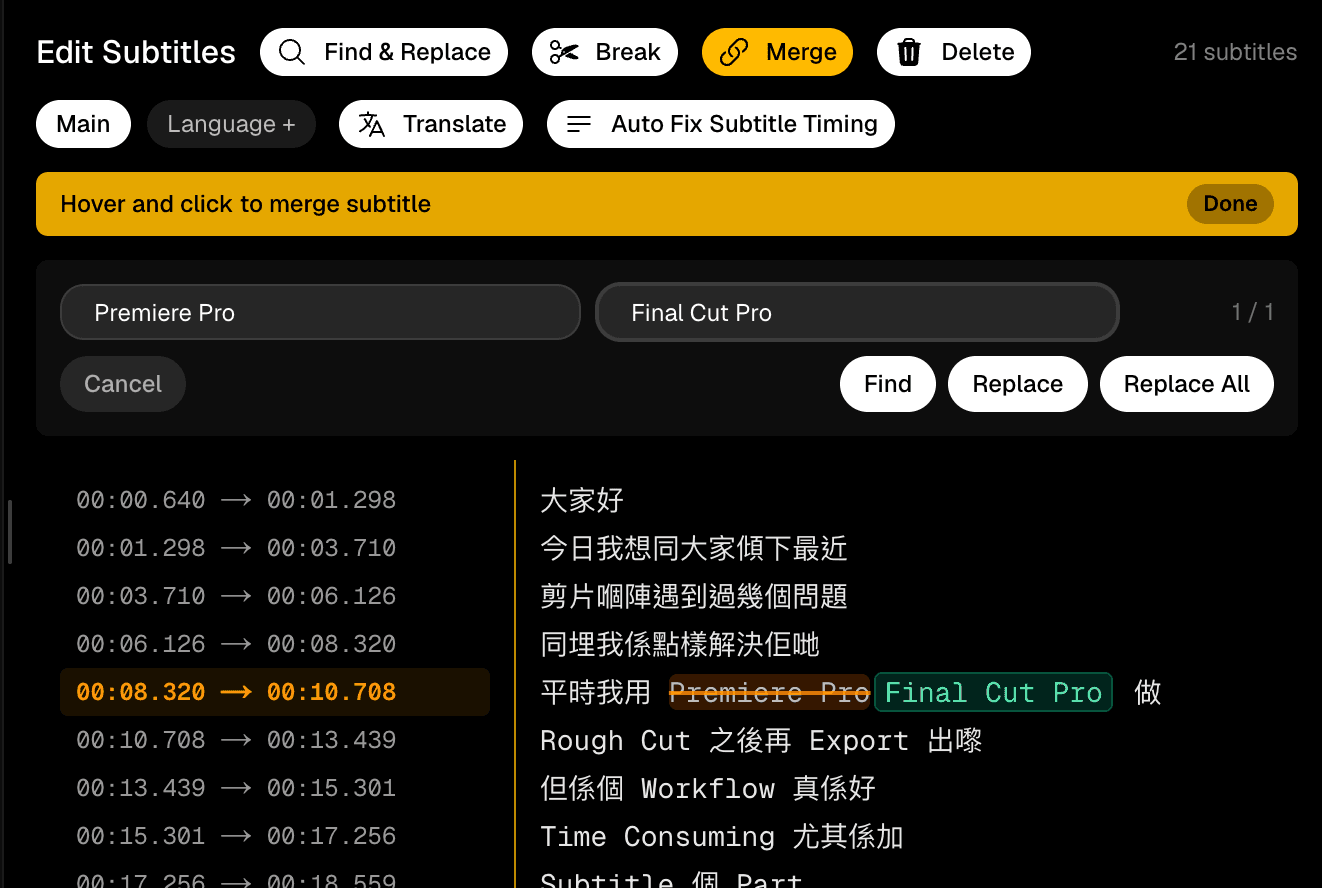 Subtitle Studio AI find-and-replace tool
Batch transcription (optional batch translate) suits course creators who do not want to upload every lesson to the cloud.
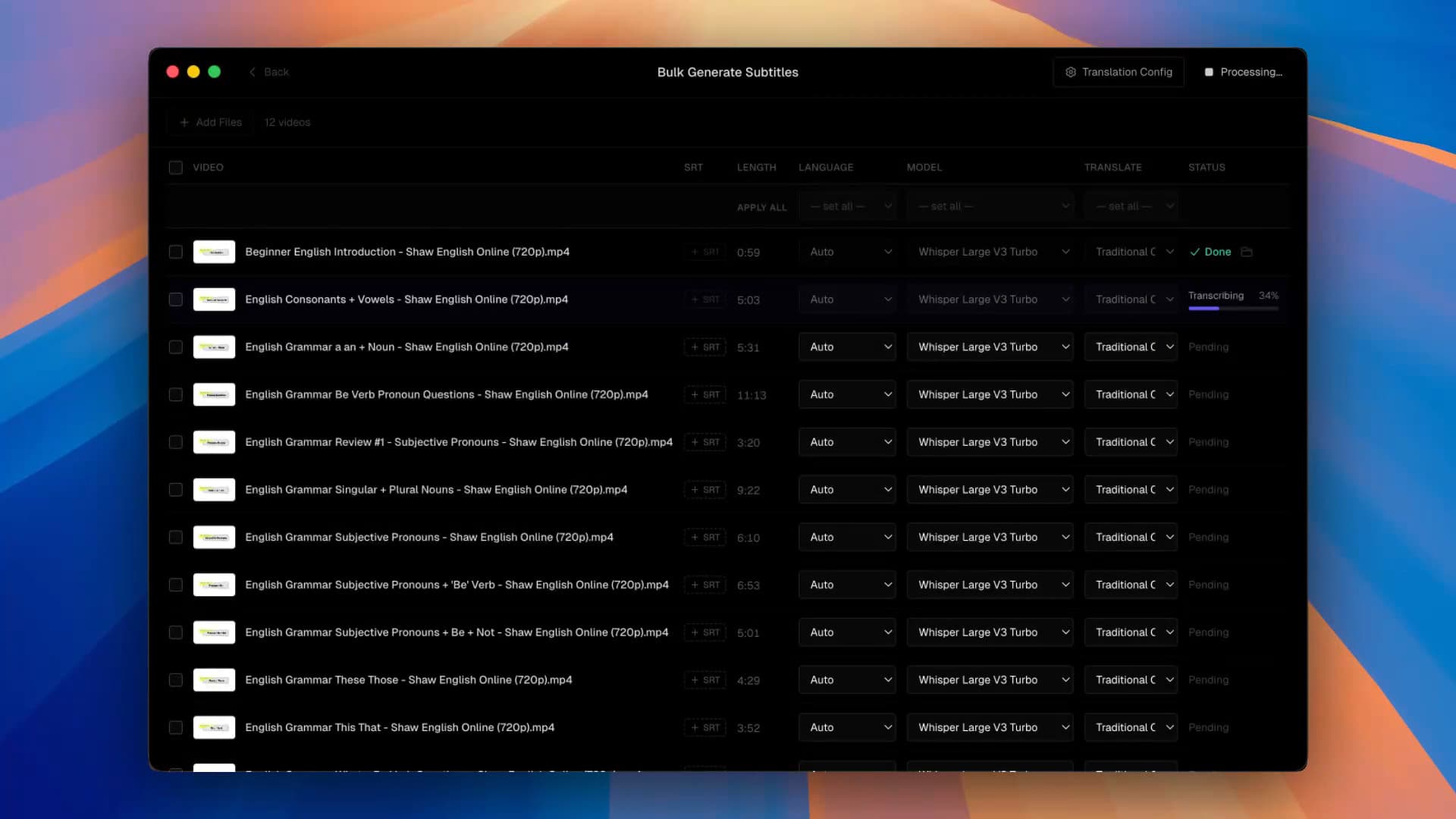 Subtitle Studio AI bulk subtitle generation
Best for:
- Creators who care about readable captions, not raw Whisper dumps
- YouTubers / podcasters with high volume (one purchase scales better than metered plans)
- Editors who work offline (flights, weak networks)
- Privacy-sensitive material (internal training, client interviews, unreleased content)
- Anyone avoiding subscriptions / pay-as-you-go
Limits:
- Desktop only (Mac and Windows) — no browser or mobile version
- Speed depends on local hardware (older / Intel Macs are slower)
- First launch downloads model files
- Model updates may trail cloud vendors
Pricing: Free download and free generation for testing; US$69 one-time unlock for export, lifetime updates, no monthly fee.
Subtitle Studio
One-time purchase. Runs fully offline on Mac and Windows.
2. CantoSub AI — cloud, Cantonese-focused
CantoSub AI is a Hong Kong startup product built around cloud processing and Cantonese workflows: slang, code-switching, spoken-to-written conversion, and custom glossaries for brands and names.
The vendor cites 95%+ accuracy and exports .srt, .fcpxml, .txt for Premiere, Final Cut, CapCut, and DaVinci Resolve.
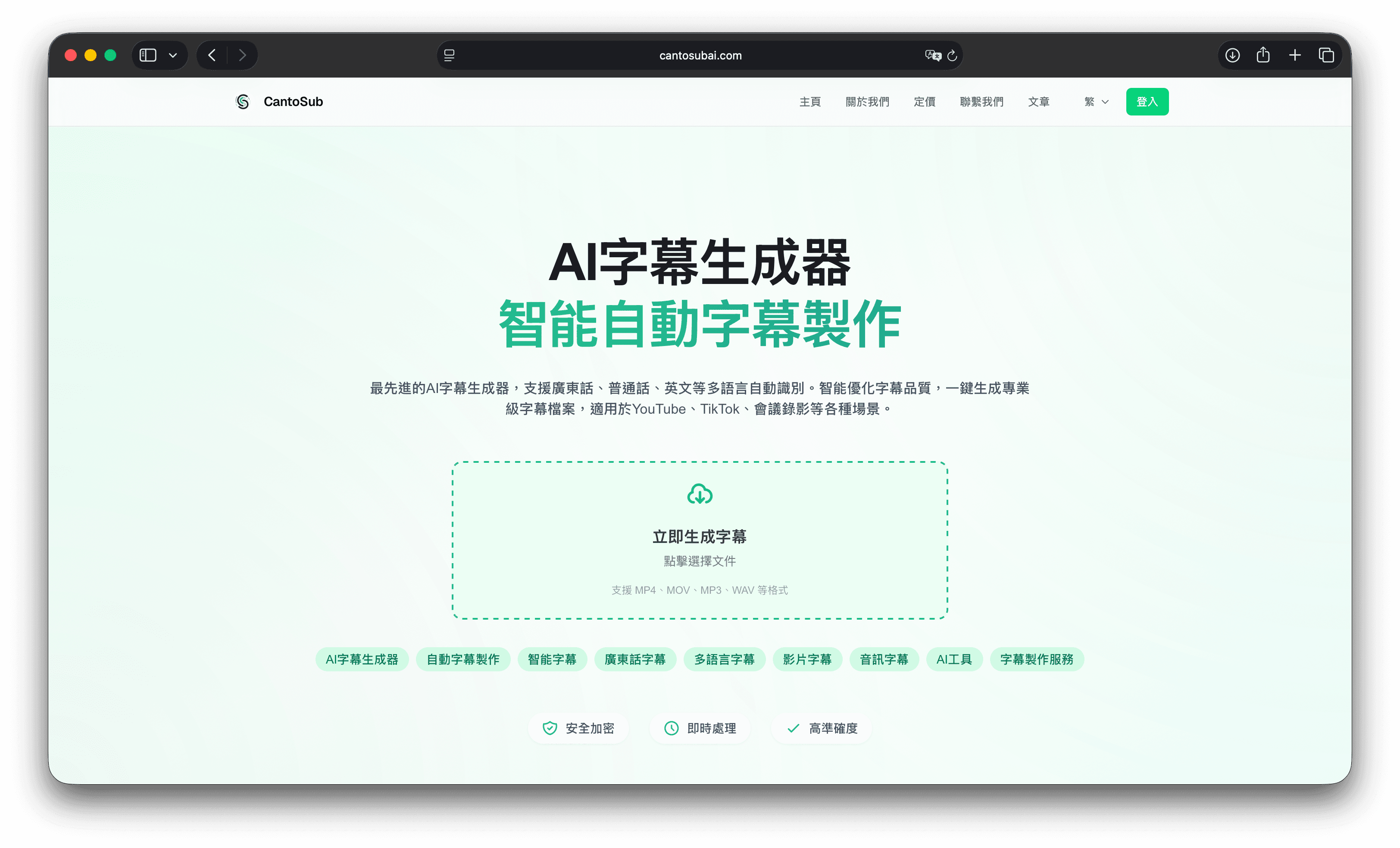 CantoSub AI homepage
Best for:
- Teams that need fast turnaround and less manual polish
- Corporate / marketing bilingual captions
- Educators who want clean written Chinese
- Cross-device users who want a browser-based tool
Limits:
- Subscription + usage caps
- Video uploads to the cloud
- Safari upload/convert issues appeared in this test (see Limitations)
Pricing: 30 free minutes (SRT export, no card); then from about HK$75/month, plan-dependent.
3. Subanana — no-install web tool
Subanana is a Hong Kong browser platform: paste YouTube / Instagram / Facebook links or upload files. Vendor claim: up to 98% overall accuracy, 80+ languages, spoken-to-written Chinese, bilingual export, plus meeting transcription products.
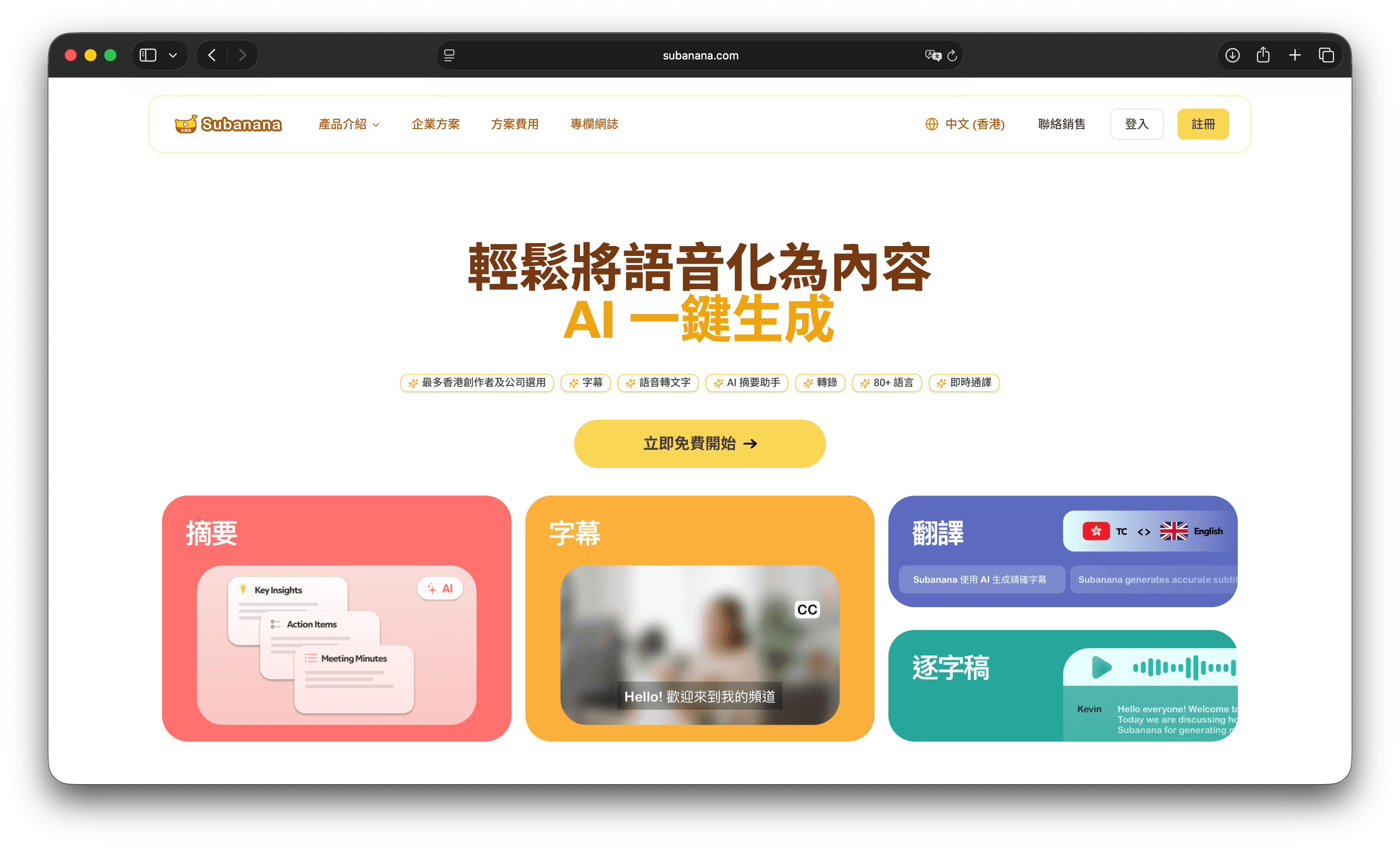 Subanana homepage
Best for:
- Occasional editors who do not want to install software
- Multilingual channels expanding overseas
- Cross-device users who prefer the browser
Limits:
- Subscription + cloud upload
- Free plan: no SRT download, watermarked video
- In this test, all English was lowercase
Pricing: Free: first 15 minutes, 3GB, 720p (no SRT / no watermark removal). Paid from about US$9/month (~HK$70): 4K, 15GB, watermark removal, SRT download.
Hands-on test: same clip, three tools
Most “accuracy” marketing numbers are incomparable — different clips, accents, and noise. We recorded a ~1-minute Cantonese clip, ran all three tools on the same file the same day, and scored against a human verbatim transcript.
Test design
Single speaker, quiet room, no music. The script intentionally stressed:
| Challenge | Designed content |
|---|---|
| Code-switching | 13 English items (Premiere Pro, rough cut, workflow, time consuming, subtitle, …) |
| Proper nouns | 5, increasing difficulty: 旺角, MacBook Pro, M記, 廣東話語音識別, HK創科Lab |
| Slang | 大癲, 勁好食 |
| Number formats | 2026年, 7月15號, 69美金, 540蚊 |
| Hallucination | 5s silence mid-clip + 5s at end |
HK創科Lab is a fictional mixed Chinese–English company name never seen in public corpora — the strongest discriminator. Silence kept room tone (not digital mute) so tools would not treat the file as ended.
Test environment Date: 29 Jul 2026|Machine: MacBook Pro M3 Max / 36GB RAM Subtitle Studio AI 1.10.3|CantoSub AI (version unknown)|Subanana (version unknown) Default settings only — no custom glossaries or advanced options.
How each tool was used
Subtitle Studio AI
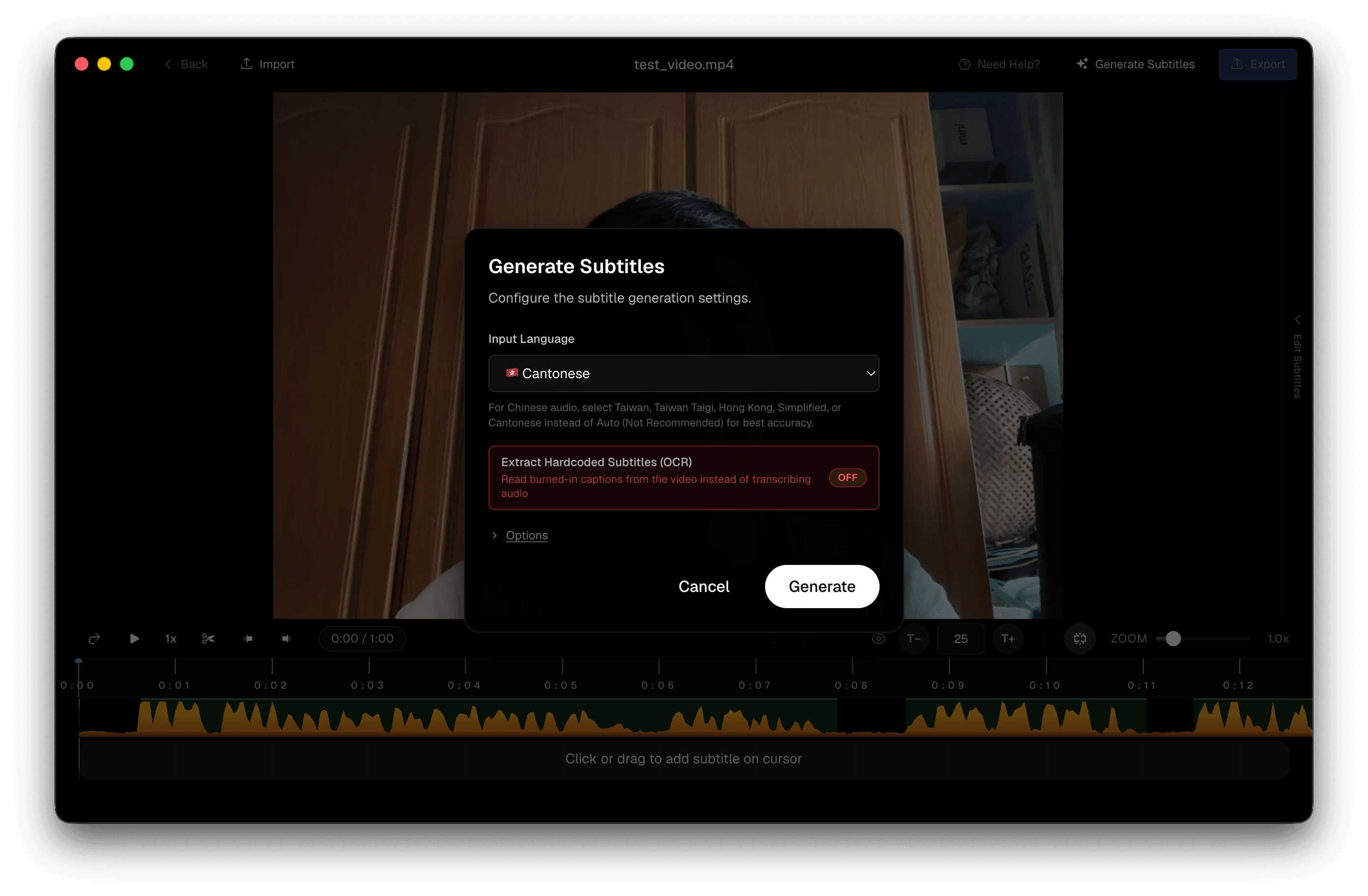 Subtitle Studio AI after loading the test video
Load the video → Generate Subtitles → language Cantonese → Generate.
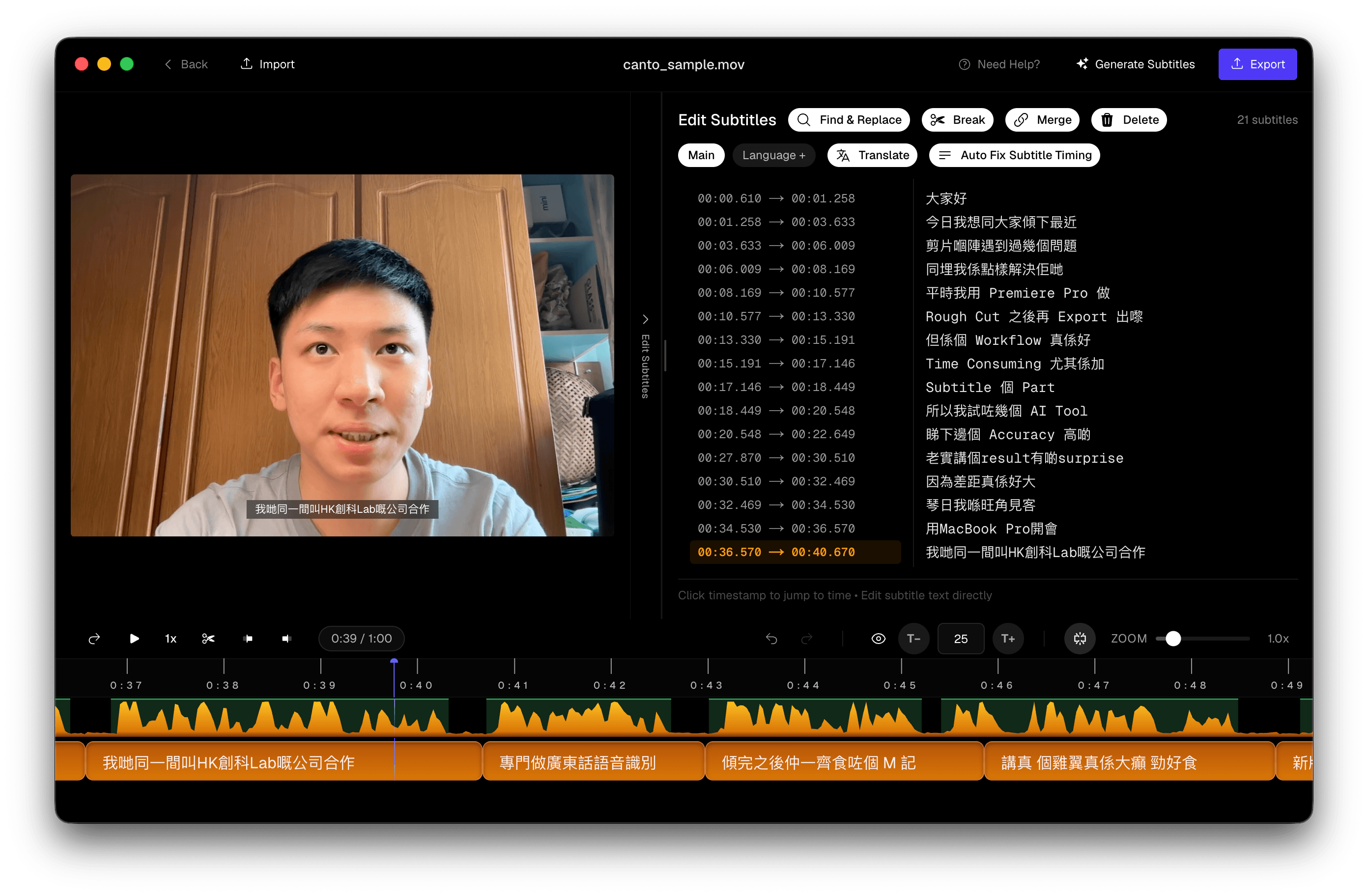 Subtitle Studio AI editor after Cantonese generation
CantoSub AI
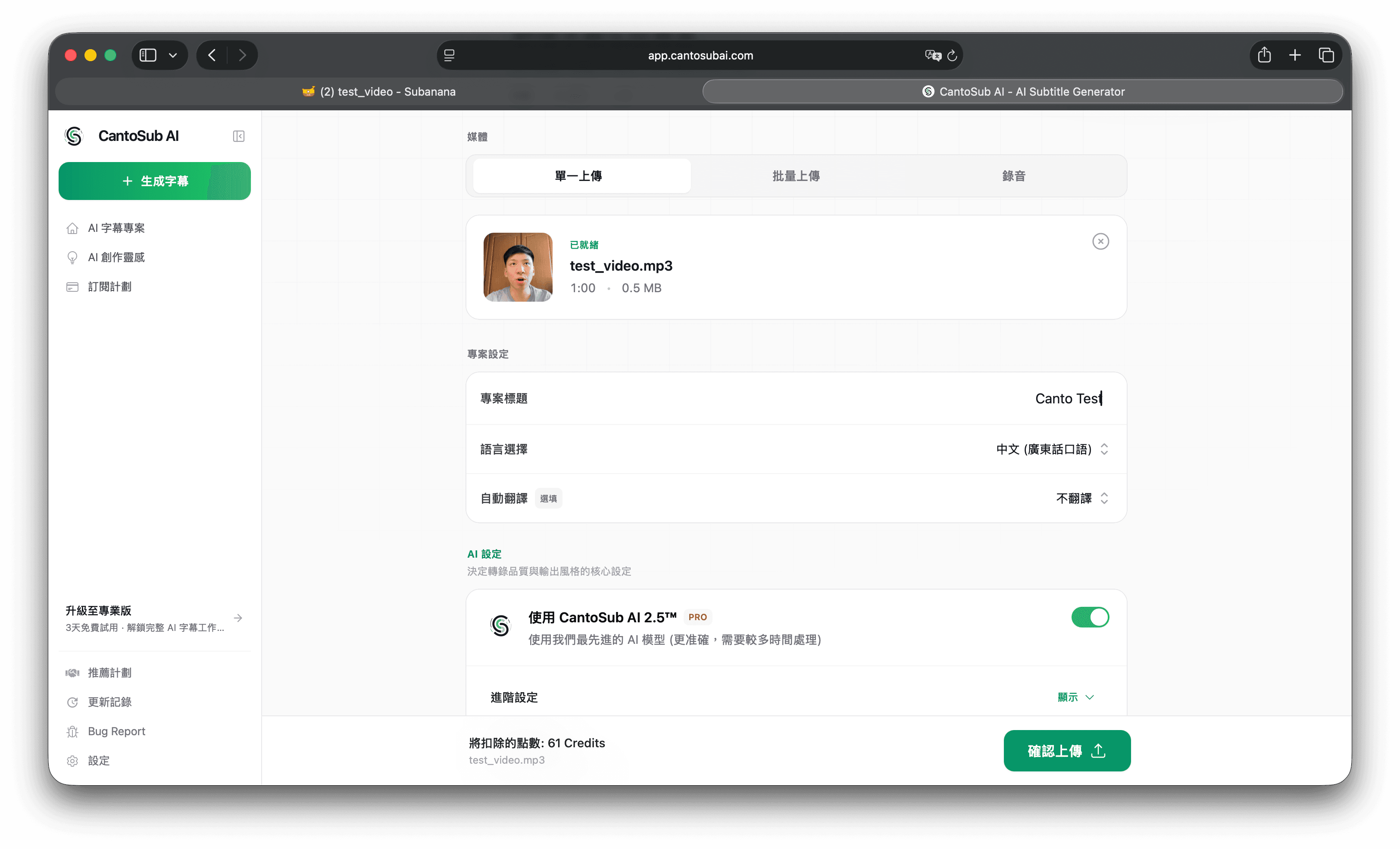 CantoSub AI upload UI
Upload on the website.
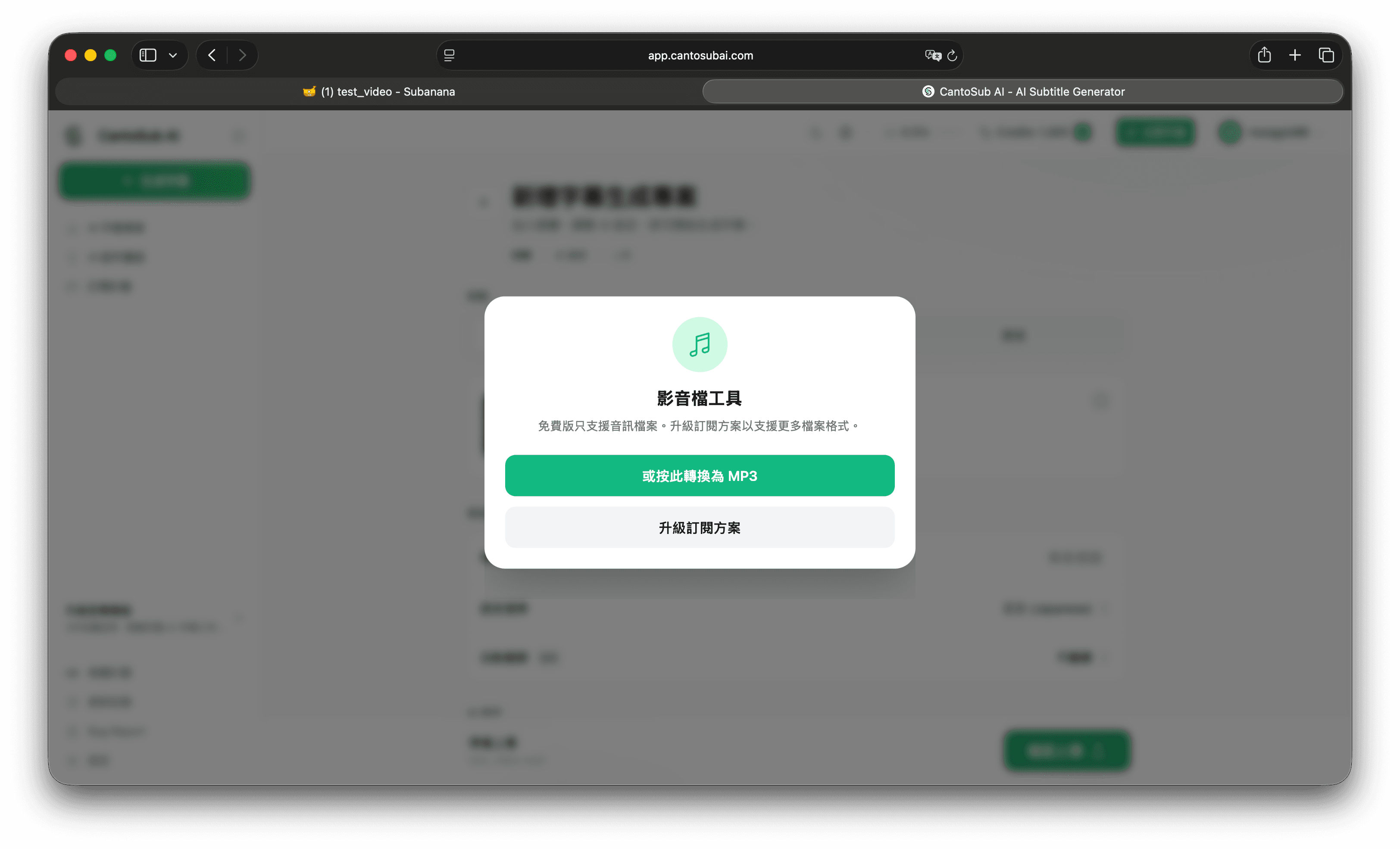 CantoSub AI converting video to MP3
Free tier is MP3-oriented; auto-convert helps short clips but weakens frame-accurate preview.
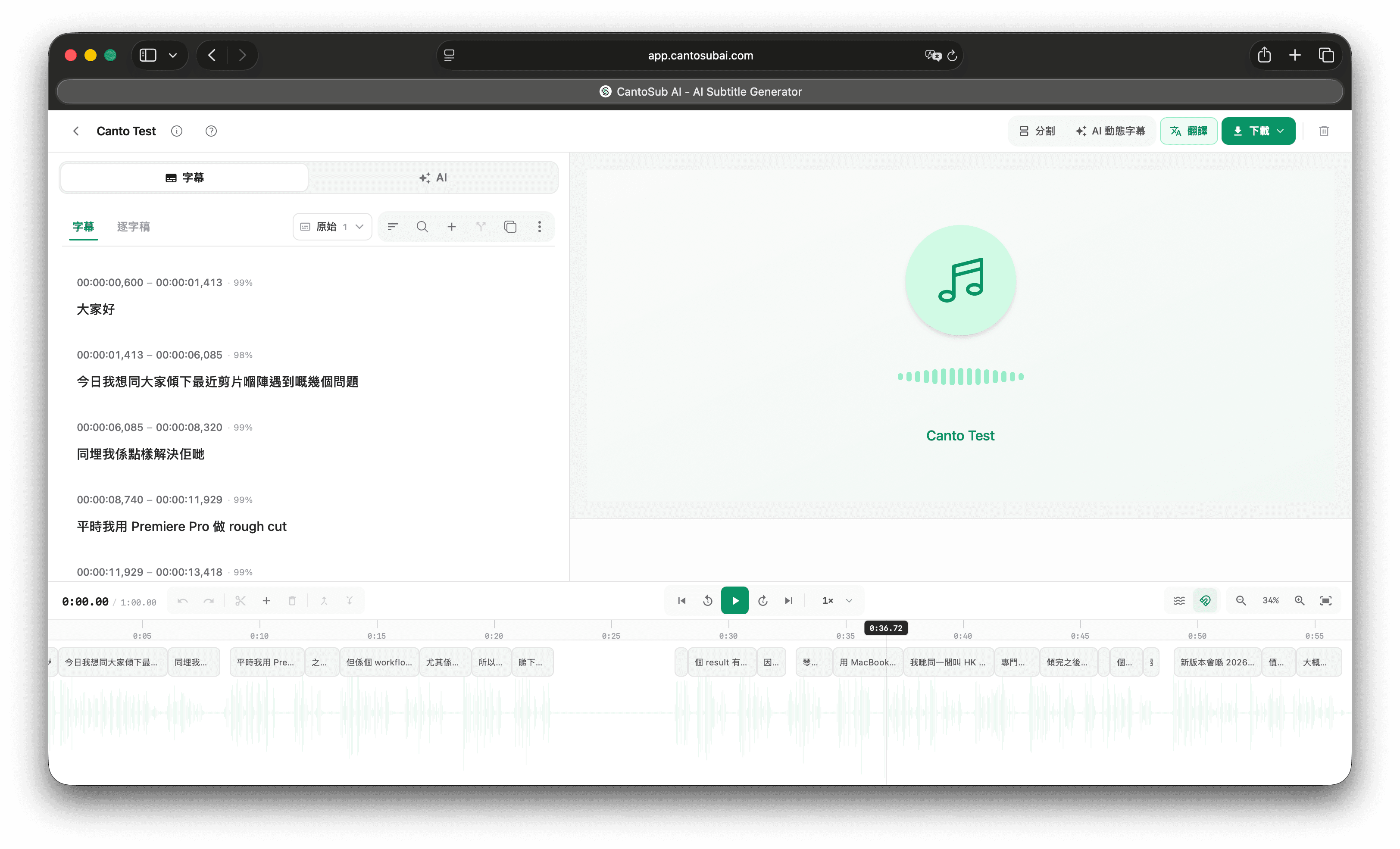 CantoSub AI editor after generation
Subanana
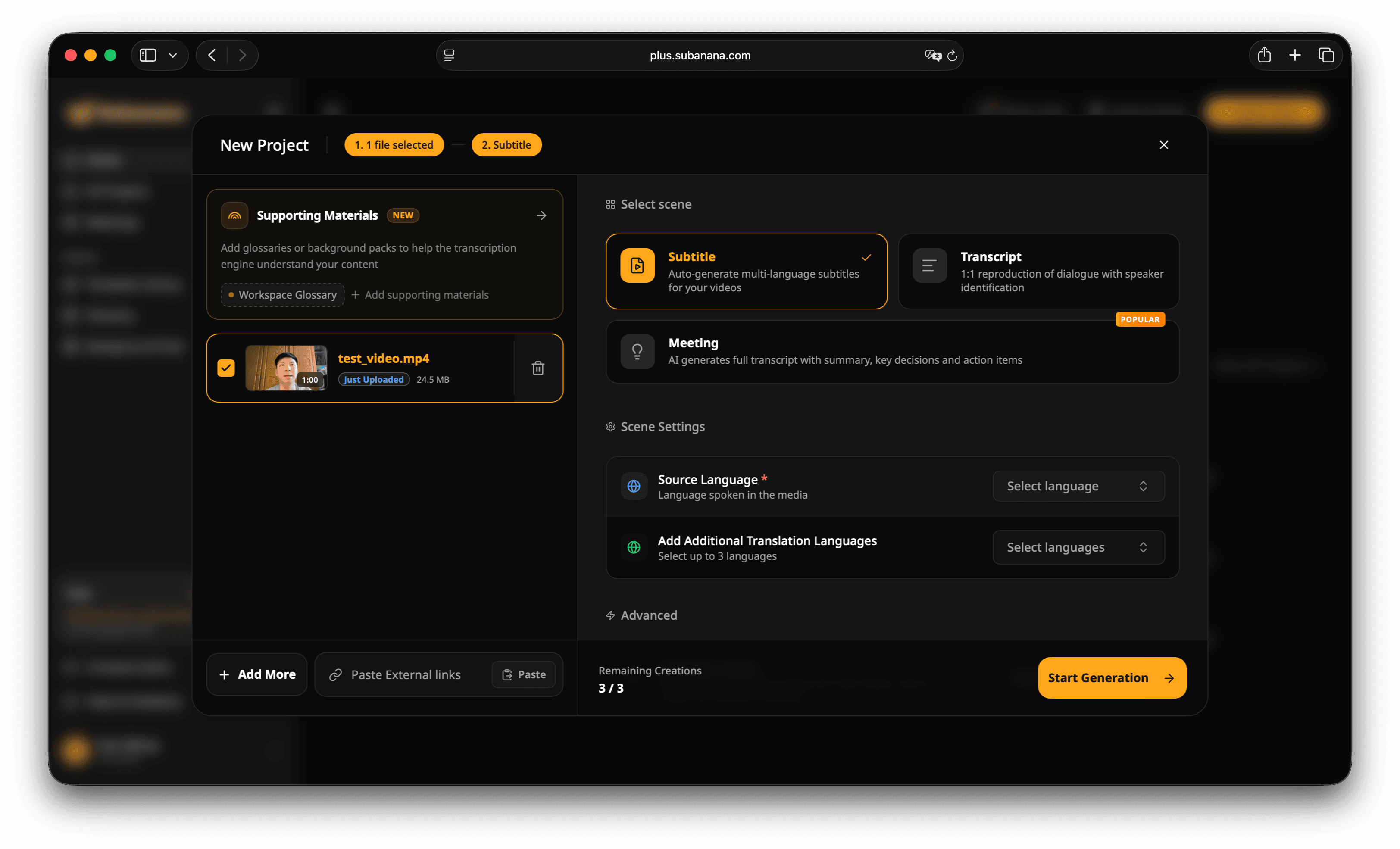 Subanana upload UI
Upload on the website.
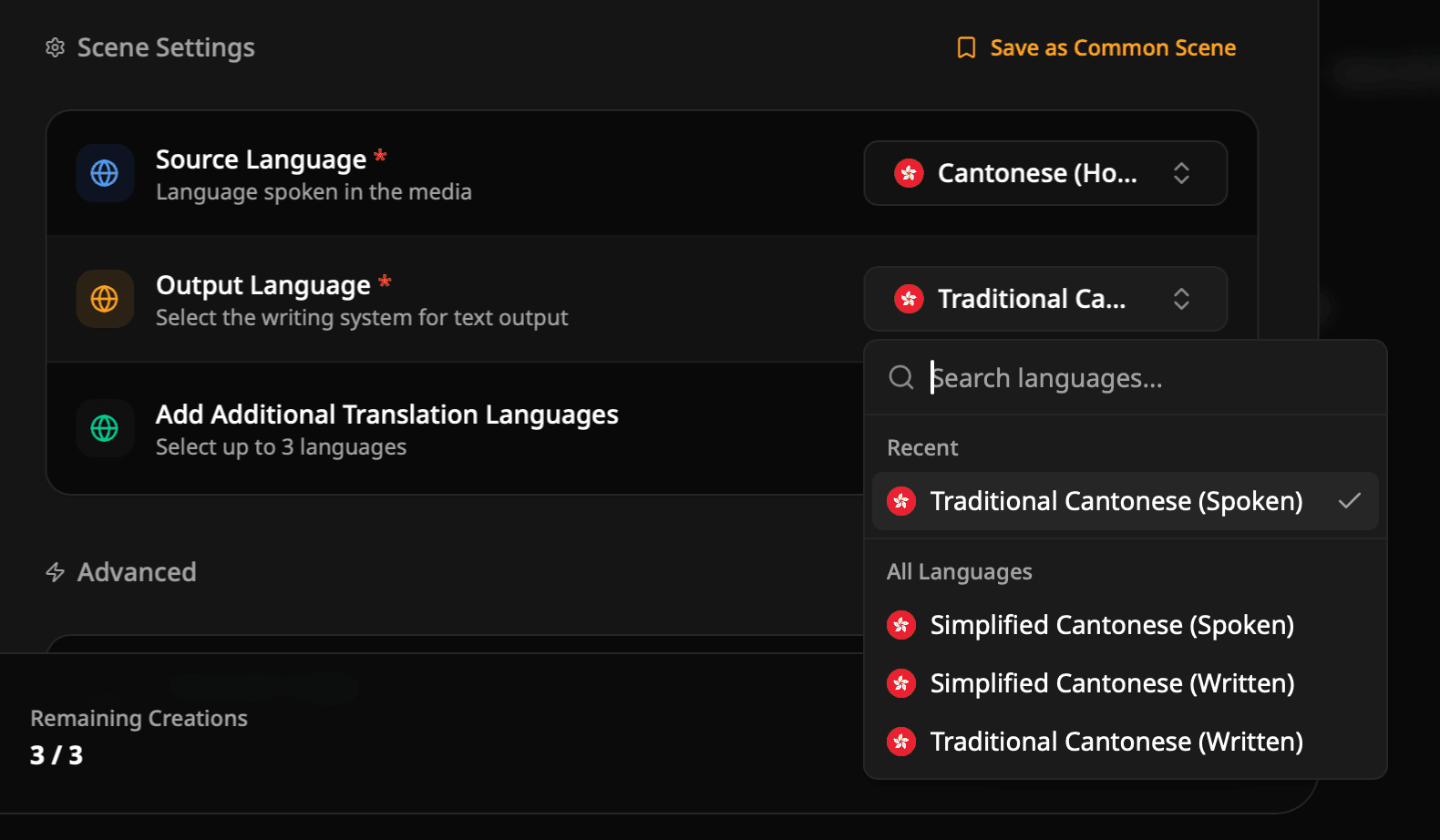 Subanana language picker set to Traditional Cantonese (Spoken)
Select Traditional Cantonese (Spoken).
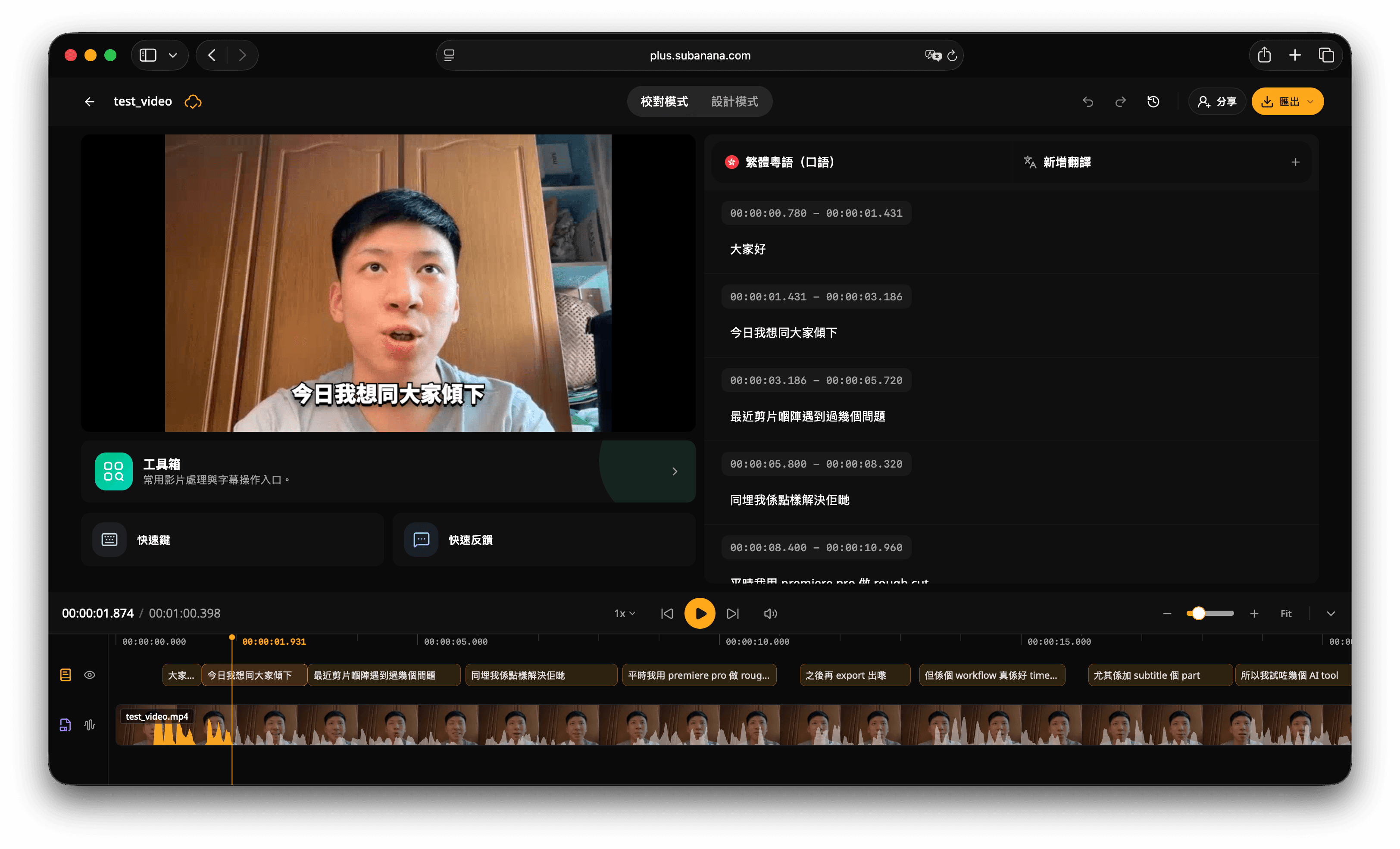 Subanana editor after generation
Scoring method
- Chinese: per character; English: per word → 184 units total
- Punctuation and English casing scored separately
Speaker drift: In four places all three tools matched each other but not the original script (word order / particles). Treated as speaker deviation, not tool errors.
Written-Chinese conversion: CantoSub and Subanana market spoken→written rewriting. Strict verbatim scoring would punish that product goal. We report two scores:
- Verbatim: written forms like「結果」「驚喜」「美元」count as errors vs spoken reference
- Written-tolerant: intentional style conversions are not counted as errors
Accuracy results
| Tool | Verbatim error rate | Written-tolerant error rate |
|---|---|---|
| Subtitle Studio AI | 1.09% (2) | 0.54% (1) |
| CantoSub AI | 3.26% (6) | 3.26% (6) |
| Subanana | 6.52% (12) | 1.63% (3) |
Subanana looks worst on verbatim because 9 of 12 diffs were deliberate written conversions. On the written-tolerant metric it jumps to 1.63% — ahead of CantoSub. Recognition quality was masked by style conversion.
CantoSub’s two metrics are identical: the gaps were real recognition misses, not style.
Side-by-side comparison video
Four caption tracks overlaid on one timeline, top → bottom: human transcript, Subtitle Studio AI, CantoSub AI, Subanana.
Category breakdown
| Category | Subtitle Studio AI | CantoSub AI | Subanana |
|---|---|---|---|
| English items (13) | 13/13 | 11/13 | 11/13 (2 rendered as Chinese) |
| Proper nouns (5) | 5/5 | 4/5 | 5/5 (all lowercase) |
| Slang (2) | 2/2 | 1/2 | 2/2 |
| Number formats (4) | 3/4 | 4/4 | 4/4 |
| Hallucination (mid 5s) | 0 chars ✓ | 0 chars ✓ | 0 chars ✓ |
| Hallucination (end 5s) | 0 chars ✓ | 0 chars ✓ | 0 chars ✓ |
All three stayed silent on both empty segments — no ranking there. Noisy environments remain untested.
Worst mistakes per tool
CantoSub AI
- 「HK創科Lab」 → 「HK Tranfor Lab」 (only tool to invent a fake English phrase)
- 「大癲」 → 「大隻」 (meaning flipped)
- Extra morphology: tool→tools, surprise→surprising
Custom glossary could help; it was off for a fair default comparison.
Subanana
- 「個雞翼」 → 「國家亦」 — three wrong characters, meaning collapsed; after excluding written conversions, this was its only true recognition miss
- All English lowercase (
premiere pro,macbook pro, …)
Recognition is close to Subtitle Studio until it fails hard; casing still needs cleanup.
Subtitle Studio AI — fewest errors; both diffs were edge cases.
Subtitle quality beyond accuracy
| Metric | Subtitle Studio AI | CantoSub AI | Subanana |
|---|---|---|---|
| Cue count | 21 | 23 | 21 |
| Avg chars / line | 10.6 | 9.8 | 10.3 |
| Longest line | 16 | 22 ⚠️ | 17 |
| Lines > 18 chars | 0 | 1 | 0 |
| Shortest duration | 0.66s | 0.53s ⚠️ | 0.69s |
| Cues < 1s | 1 | 4 ⚠️ | 1 |
| Gaps between cues | 1/20 | 4/22 | 16/20 |
CantoSub was weakest on readability: one 22-character / 4.67s line, plus over-splitting down to 0.53s.
Subtitle Studio controlled line length best but broke mid-phrase on dense code-switching:
Line 5: 平時我用 Premiere Pro 做 Line 6: Rough Cut 之後再 Export 出嚟
Line 7: 但係個 Workflow 真係好 Line 8: Time Consuming 尤其係加
English casing/spacing was also inconsistent — readable, but needs a pass.
Subanana left breathing room between cues (16/20 gaps). The other two ran nearly continuous captions.
Limitations
- ~1 minute, clear single speaker, quiet room = best case
- Only two slang items
- Defaults only — no glossaries
- Subanana re-run after a bad first export (small diffs); others run once
- No separate sync/latency metric yet
- CantoSub: Safari upload/MP3 glitch (refresh fixed); timed preview only worked reliably in Firefox
- Do not over-generalize — sample of one
Raw file downloads
- Test video (~1 min)
- Human verbatim SRT
- Subtitle Studio AI raw SRT
- CantoSub AI raw SRT
- Subanana raw SRT
Pricing and features at a glance
| Subtitle Studio AI | CantoSub AI | Subanana | |
|---|---|---|---|
| Platform | macOS + Windows (desktop) | Web (cross-platform) | Web (cross-platform) |
| Pricing | US$69 one-time (~HK$540) | HK$75–300/mo | HK$68–398/mo |
| Usage caps | Unlimited | 1.5 / 3 / 10 hrs | ~1 / 3 / 10 hrs avg |
| 50 hrs/year cost | ~HK$540 then ~$0 | ~HK$1,440–3,600 | ~HK$1,656–4,776 |
| Offline | Full offline | Cloud | Cloud |
| Privacy | Video stays on device | Upload required | Upload required |
| Translation | Yes (local or API, keeps timing) | Multilingual | 80+ languages |
| Max clip length | Unlimited | Plan-based 1–5 hrs | ~3 hrs max |
| NLE fit | Strong (SRT + FCP title layers) | SRT / FCPXML | SRT, web-first |
| Timing edits | High (waveform, split/merge) | Light | Light |
| This test (written-tolerant) | 0.54% | 3.26% | 1.63% |
| Heavy users | Best value as volume grows | Plan upgrades | Plan upgrades |
Note: “50 hours/year” uses the cheapest plan that covers ~4 hours/month (CantoSub from ~HK$120/mo; Subanana from ~HK$138/mo). Check live pricing.
Vendor accuracy claims (CantoSub 95%, Subanana 98%) are self-reported without a shared public benchmark or disclosed accent/noise/speed conditions.
Which should you choose?
Occasional short clips: CantoSub’s free 30 minutes or Subanana’s free tier are enough to try.
Browser-only or multi-device: cloud tools. Subanana’s recognition was closer to Subtitle Studio here, with lowercase English and rare catastrophic errors. CantoSub’s glossary is worth testing if you have heavy brand vocabulary.
Mac or Windows + privacy + no subscription: Subtitle Studio’s one-time license wins on long-run cost and led this accuracy test — expect some manual line-break cleanup on dense code-switching.
Pick by OS, volume, budget, and whether video may leave your machine.
Subtitle Studio
One-time purchase. Runs fully offline on Mac and Windows.
Last updated: 29 July 2026. Pricing and features may change — verify on each vendor’s site.
Frequently Asked Questions
Which Cantonese AI subtitle tool is most accurate?
On this one-minute quiet-room clip, written-tolerant error rates were: Subtitle Studio AI 0.54%, Subanana 1.63%, CantoSub AI 3.26%. Results will vary with noise, speed, accent, and topic.
Does OpenAI Whisper support Cantonese?
Yes, but raw open-source Whisper often struggles with code-switching, proper nouns, slang, and hallucinations in silence. Cantonese-focused products usually add VAD, alignment, and post-processing on top of Whisper-class models.
Offline vs cloud subtitle tools — what’s the difference?
Offline keeps video on-device (privacy, airplane mode) but depends on OS/hardware. Cloud is cross-platform and hardware-agnostic, but requires upload and usually subscriptions or metered billing.
How do AI tools handle Cantonese–English code-switching?
Of 13 English items in this test, Subtitle Studio got 13/13; CantoSub and Subanana each missed or converted 2. Subanana lowercased all English; Subtitle Studio sometimes split mid-phrase around English words.
When should you use spoken-to-written Chinese conversion?
Useful for courses, corporate, and news-like tone. Skip it for vlogs, comedy, and interviews that need spoken flavor. CantoSub and Subanana offer conversion; Subtitle Studio tends to keep verbatim colloquial Cantonese.
How do I import SRT into Premiere Pro or Final Cut Pro?
All three export SRT. Premiere: File → Import. Final Cut: File → Import → Captions; Subtitle Studio can also export Final Cut title layers. CantoSub also supports FCPXML.
Are there free Cantonese subtitle tools?
Yes, with limits: CantoSub — 30 free minutes with SRT; Subanana — first 15 minutes without SRT download and with watermark; Subtitle Studio — free generate/preview, paid one-time unlock for export.
Try Subtitle Studio for free
One-time purchase. No subscription. Runs fully offline on Mac and Windows.
