A MacWhisper alternative built for subtitles, not just transcripts
MacWhisper is excellent at on-device transcription. If your deliverable is timed captions or a burned-in video, Subtitle Studio covers the subtitle production steps that come after the transcript.
Free to try · Lifetime license $69 · Mac & Windows
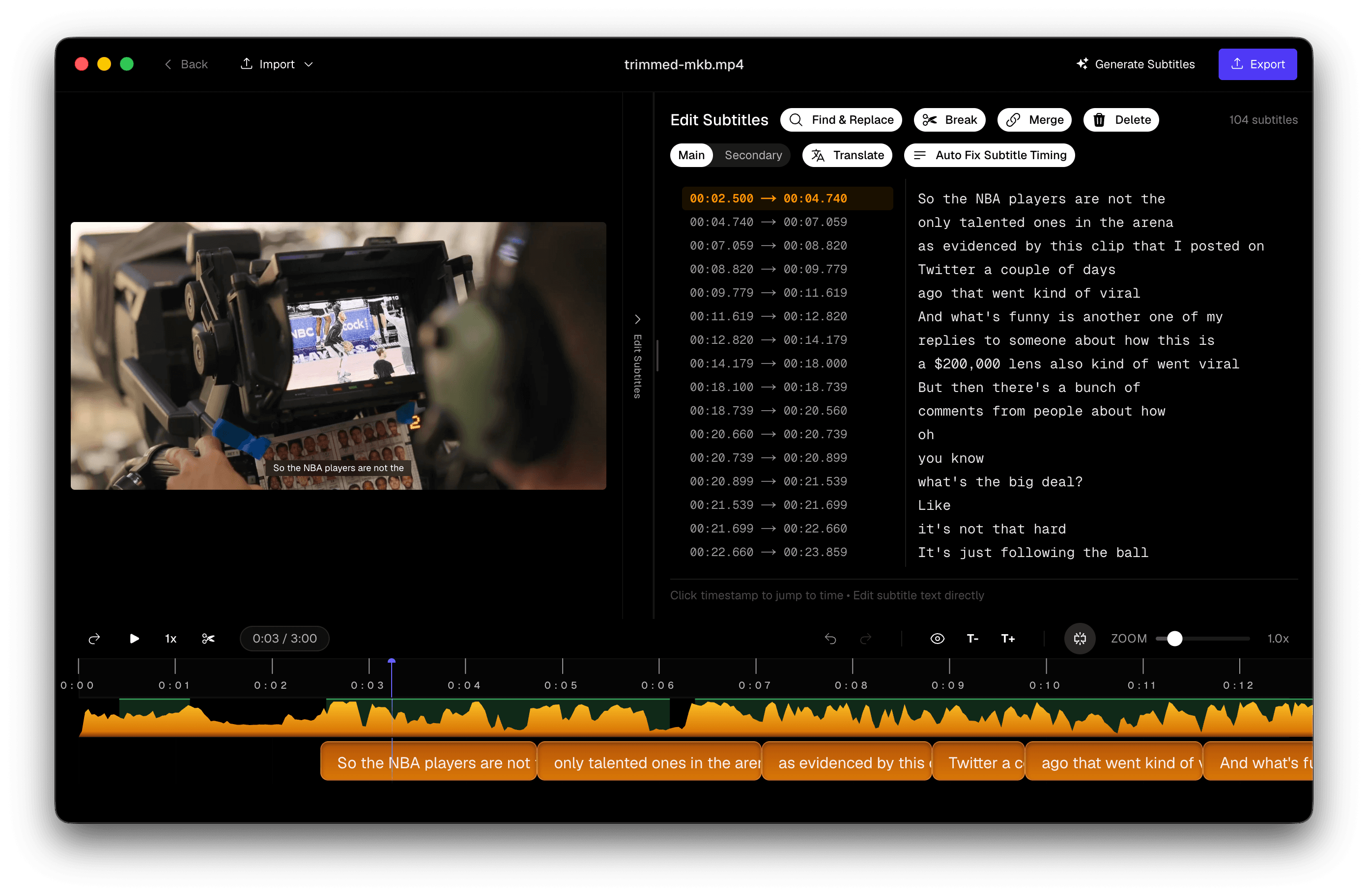
MacWhisper does on-device Whisper well — and the Mac community loves it for good reason. Subtitles are a different job. A publish-ready caption track needs readable cue lengths, timings you can nudge on a waveform, and often a burn-in or an NLE import. That stretch — transcript → finished captions — is what this page is about.
Where the two tools differ
Both keep audio on your Mac. The product focus is different — and Subtitle Studio also runs on Windows.
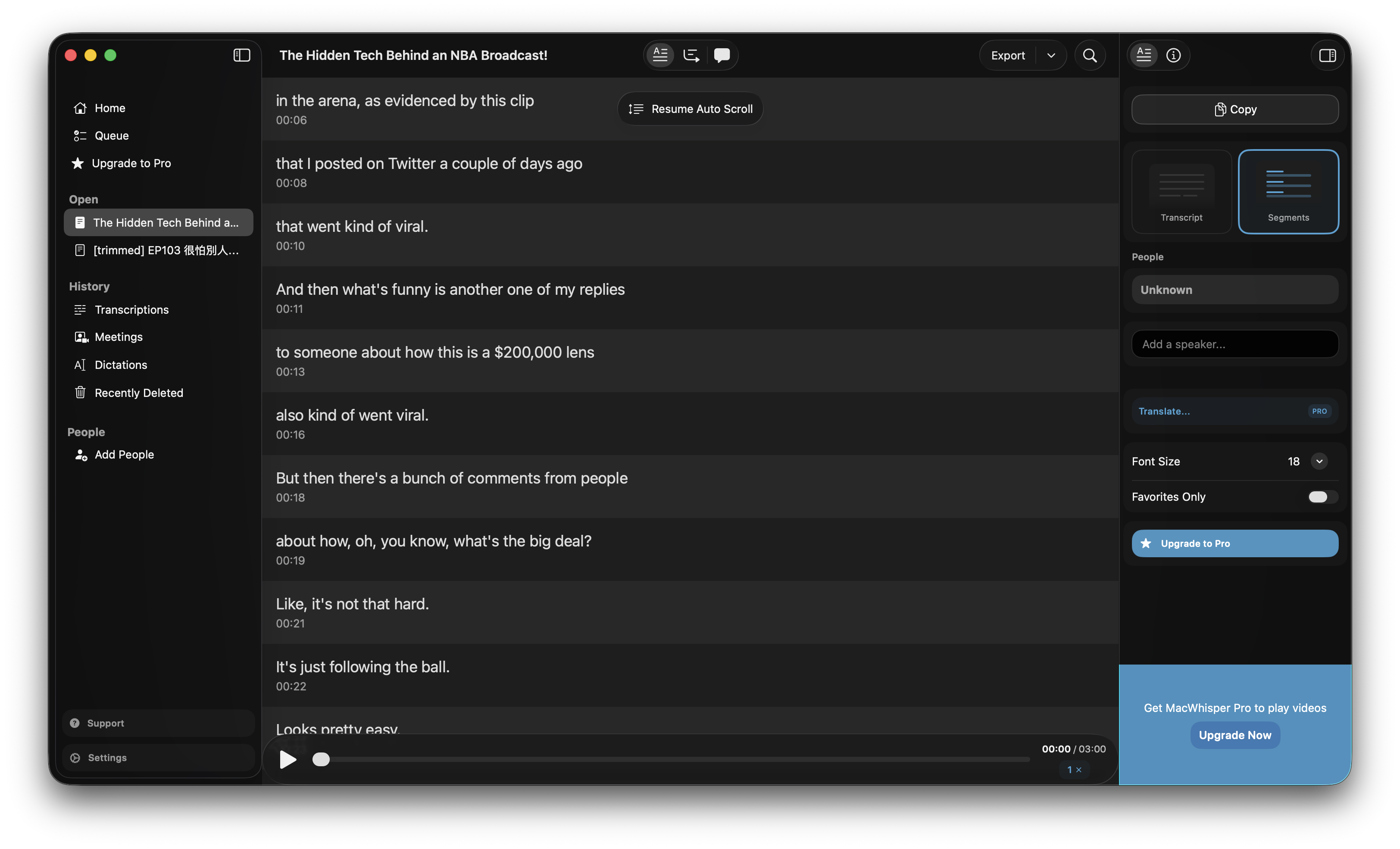 MacWhisper transcript-oriented interface after processing a video
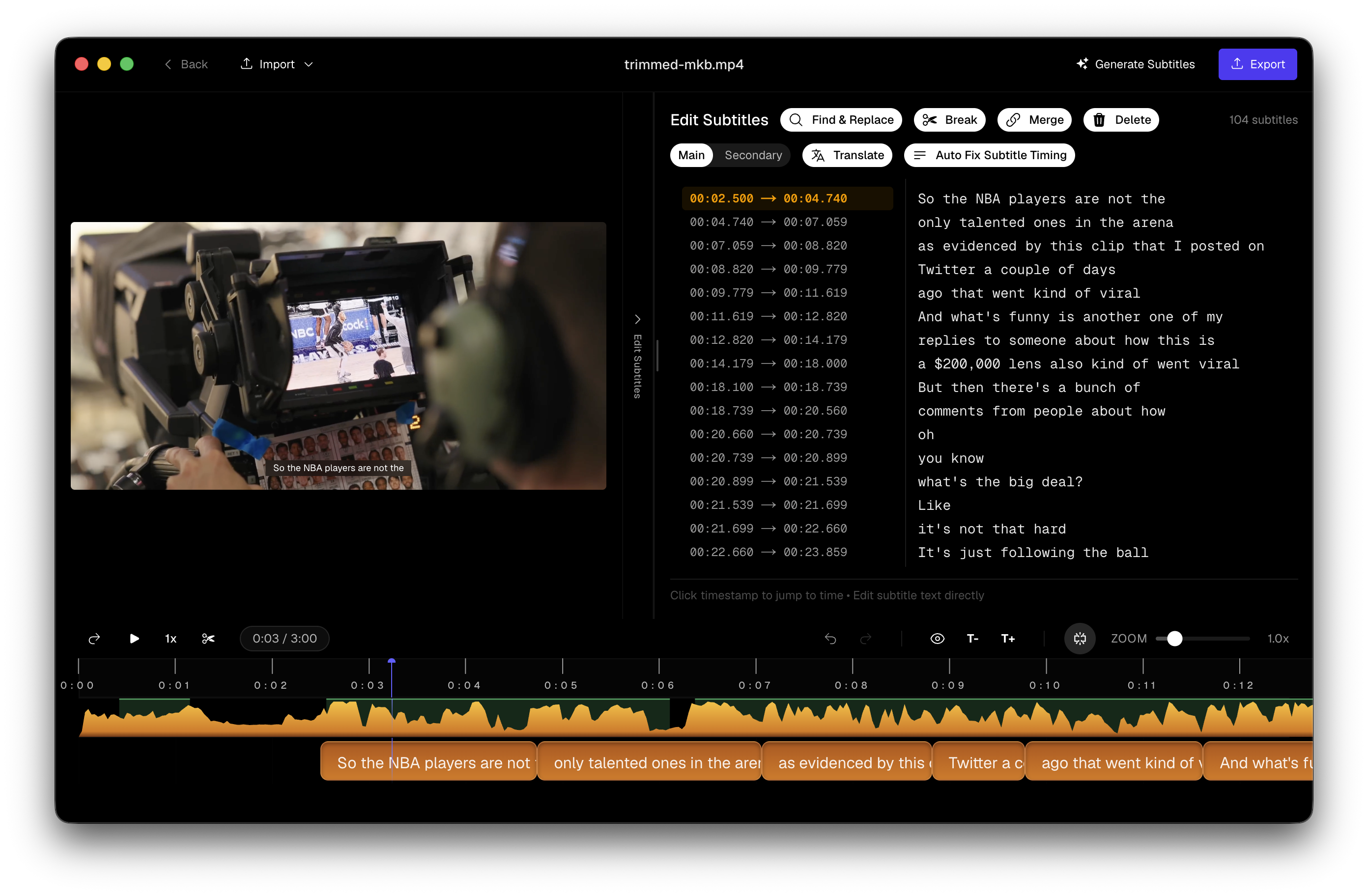 Subtitle Studio cue editor with waveform, subtitle list, and video preview
Always check the latest MacWhisper release notes if a specific cell decides your purchase.
When MacWhisper is the better choice
Choose MacWhisper when the job is text, not captions:
- Meeting recordings and voice memos as searchable notes
- YouTube URL transcription without opening a video editor
- Plain transcripts where speaker labels matter
- Audio-first batch jobs and watch-folder automation
That recommendation is intentional. Pushing one app for every Whisper use case wastes everyone’s time.
When Subtitle Studio fits better
Choose Subtitle Studio when the deliverable is subtitles on a video:
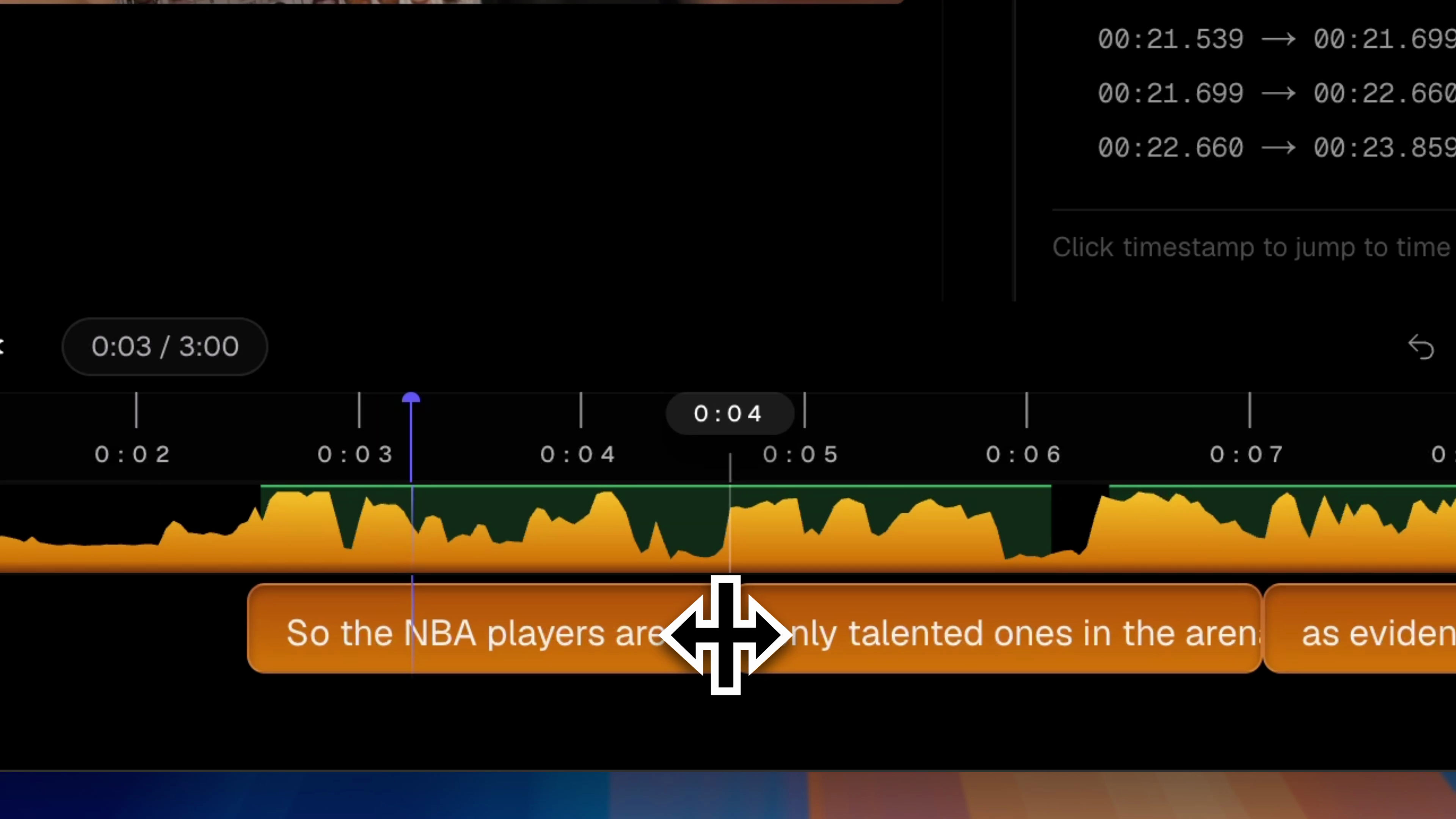 Drag-to-realign cues against the audio waveform in Subtitle Studio
- An SRT (or Final Cut title layer) that survives client review
- Burned captions for social cuts or course exports
- A folder of videos that all need subtitle files
- Cantonese or other speech that benefits from finetuned models and cue-aware segmentation
You can use both
Draft speech-to-text in MacWhisper for research — then finish publish-ready captions in Subtitle Studio when the asset is a video. Or skip straight here when captions are the only goal. No need to replace a tool that already works for meetings.
Questions & Answers
Can I import a MacWhisper SRT into Subtitle Studio?
Yes. Export an SRT from MacWhisper, open it with your video in Subtitle Studio, then adjust timings, split or merge cues, and export SRT, Final Cut titles, or burn-in.
Does Subtitle Studio use Whisper too?
Yes — Whisper-class models on-device, including Large V3 Turbo by default and Cantonese finetunes. The difference is the subtitle pipeline around the model: cue editing, burn-in, and editor exports.
Does it do speaker labels?
No. If you need diarisation for meeting notes, MacWhisper is the better fit. Subtitle Studio focuses on publish-ready captions.
Is pricing also one-time?
Yes — $69 lifetime. Download free to transcribe and edit; SRT, burn-in, and translation unlock with the license.
Should I uninstall MacWhisper?
No need. Many people keep MacWhisper for meetings and notes, and use Subtitle Studio when the asset is a video that needs captions.
Is there a Windows version?
Yes. Subtitle Studio runs on Apple Silicon Macs (macOS 12+) and on Windows 10/11 (64-bit), where an NVIDIA GPU is optional and speeds up processing. One $69 lifetime license works on both.