Batch subtitle generation for folders of video
Course libraries and podcast catalogues rarely arrive as one file. Queue bulk subtitle jobs on your Mac or PC — no upload caps, no tab that has to stay open.
Bulk queue · On-device · Overnight friendly
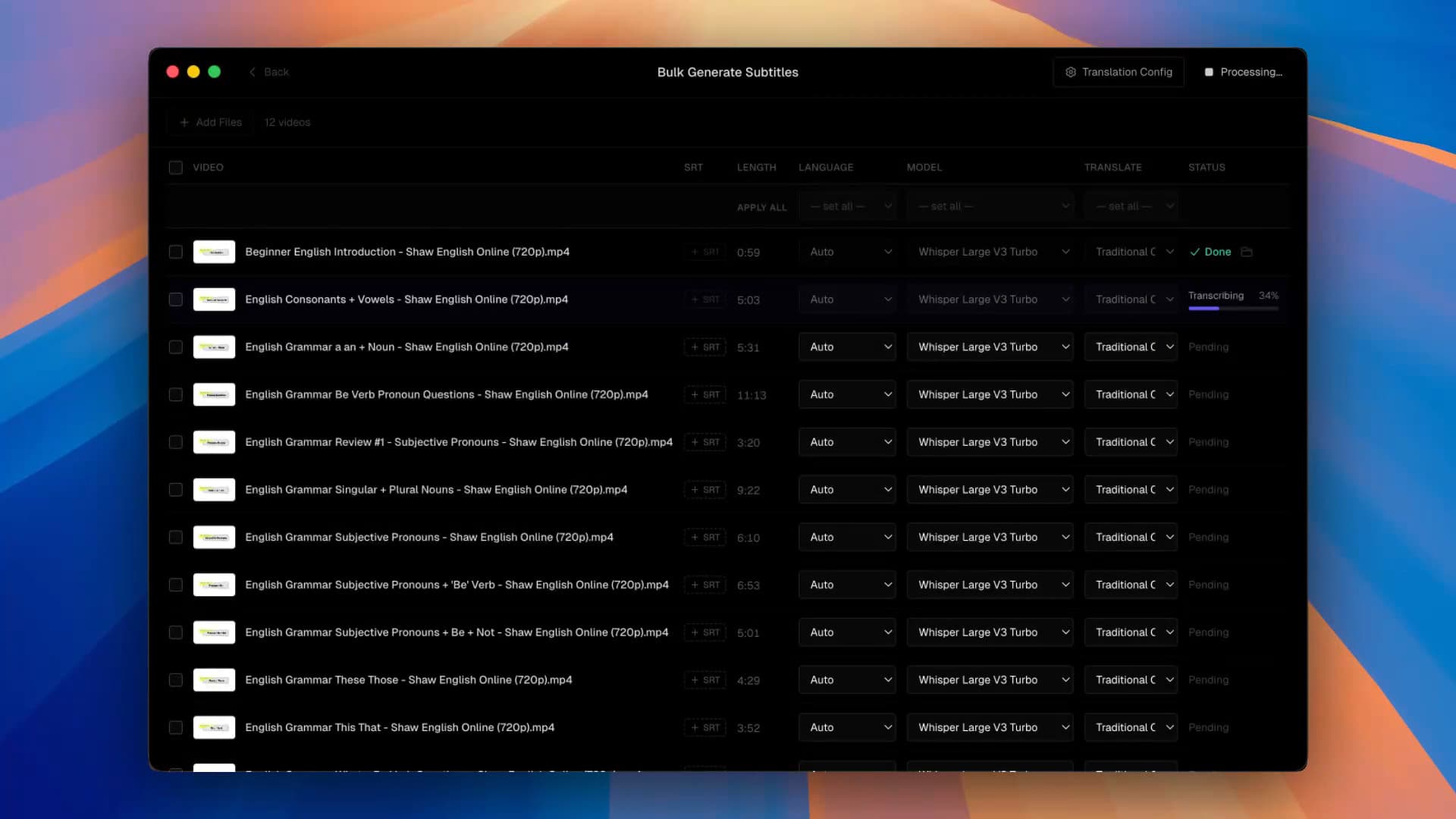
Browser subtitle tools collapse when the brief is “caption these 80 modules.” Each file wants an upload, a queue slot, and a connection that survives until midnight. A batch subtitle generator on your Mac or Windows PC treats that as a folder problem — not a SaaS metering problem.
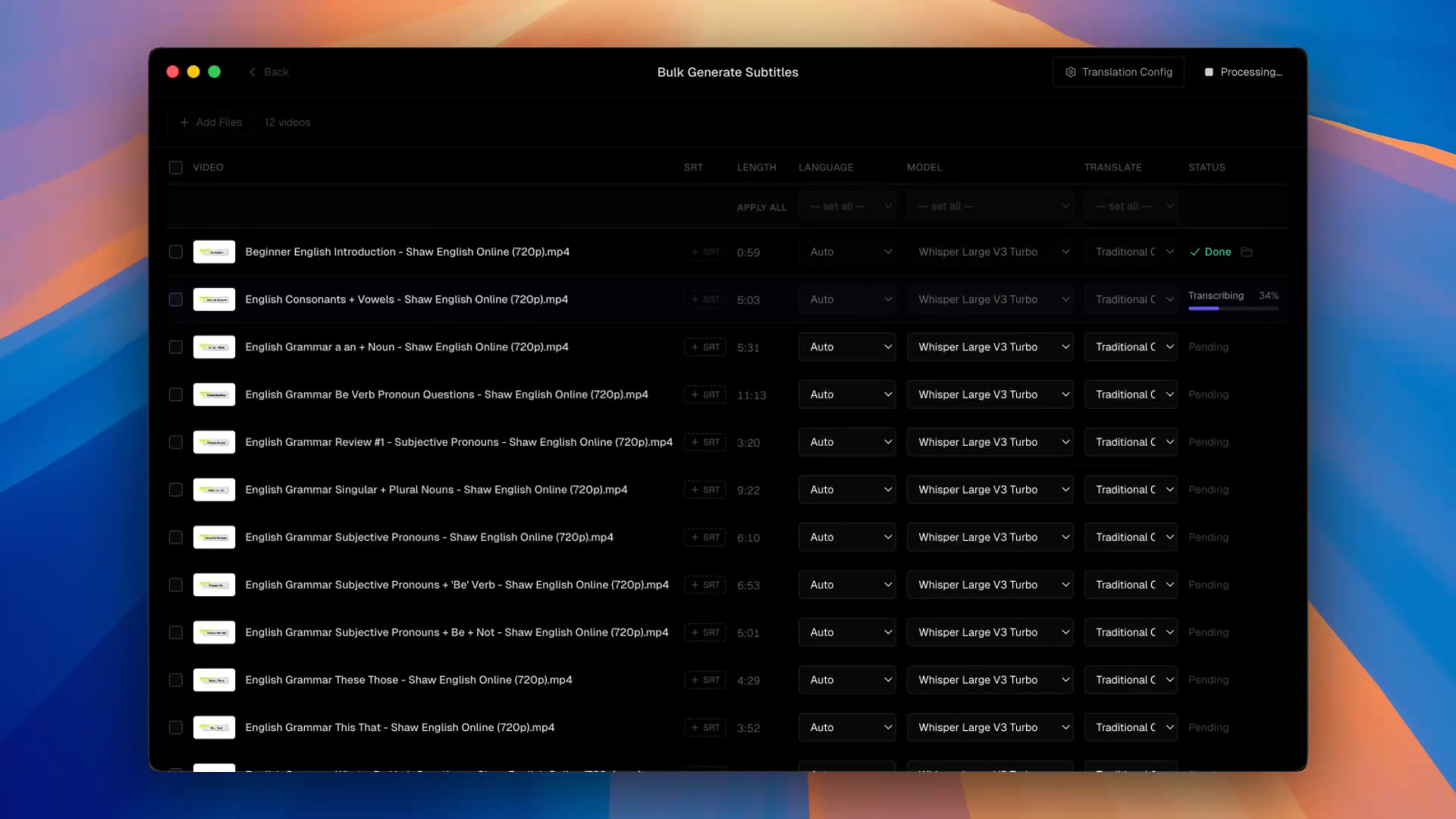 Bulk Generate Subtitles queue with multiple videos transcribing on-device
Why batch jobs hate the cloud
- Upload amplification — eighty 1GB lessons are eighty transfers before CPU work starts
- Session fragility — sleep, VPN drops, and auth timeouts kill long browser jobs
- Minute economics — tiers that look fine for weekly YouTube hurt when you ingest a back catalogue
- Privacy — student faces and unreleased courses shouldn’t spray across a vendor CDN
Who ships in bulk
- Online course teams captioning every lesson
- Podcast shows publishing a season of video editions
- Corporate L&D refreshing an internal library
- Subtitle vendors receiving a bin of clips per client
A sensible overnight pattern
- Run bulk transcription overnight (Large V3 Turbo or a language finetune).
- Spot-check the noisiest episodes in the timeline editor.
- Export SRT sidecars for the LMS / YouTube — or burn-in for vertical cuts.
For privacy framing see offline; for model choice see Whisper.
Questions & Answers
Does Subtitle Studio support batch subtitle generation?
Yes. Drop in a folder of videos, generate subtitles across the set, then export SRT, dual-language outputs, or burn-in per file.
Is there an upload limit like browser tools?
No cloud upload for transcription — so no per-file browser size cap. You’re bounded by disk, RAM, and how long you leave the queue running.
Can it run overnight?
Yes. Common for course libraries and archive digitisation: start the queue, review flagged episodes in the morning.
Who is this for?
Course producers, podcast networks with video editions, corporate L&D, and vendors handed a drive of interviews.
Do I still proofread?
Batch doesn’t mean skip QA. Spot-check the noisiest episodes in the editor before you ship the set.
Is there a Windows version?
Yes. Subtitle Studio runs on Apple Silicon Macs (macOS 12+) and on Windows 10/11 (64-bit), where an NVIDIA GPU is optional and speeds up processing. One $69 lifetime license works on both.