ดาวน์โหลด Subtitle Studio
เริ่มสร้างซับไตเติ้ล AI แบบออฟไลน์บน Mac หรือ PC Windows ของคุณ ไม่ต้องอัปโหลด ไม่ต้องสมัคร ความเป็นส่วนตัวสมบูรณ์
macOS 12.0+ (เฉพาะ Apple Silicon)
ความต้องการของระบบ
- Mac Apple Silicon: M1, M2, M3, M4, M5 หรือใหม่กว่า
- macOS: 12.0 (Monterey) หรือใหม่กว่า
- Windows: Windows 10 หรือ 11 (64 บิต); การ์ดจอ NVIDIA ช่วยให้เร็วขึ้น (ไม่บังคับ)
- RAM: ขั้นต่ำ 8 GB (แนะนำ 16 GB)
- พื้นที่: 2 GB (แอปและโมเดล)
วิธีเพิ่มคำบรรยายภาษาไทยลงในวิดีโอด้วย Subtitle Studio AI
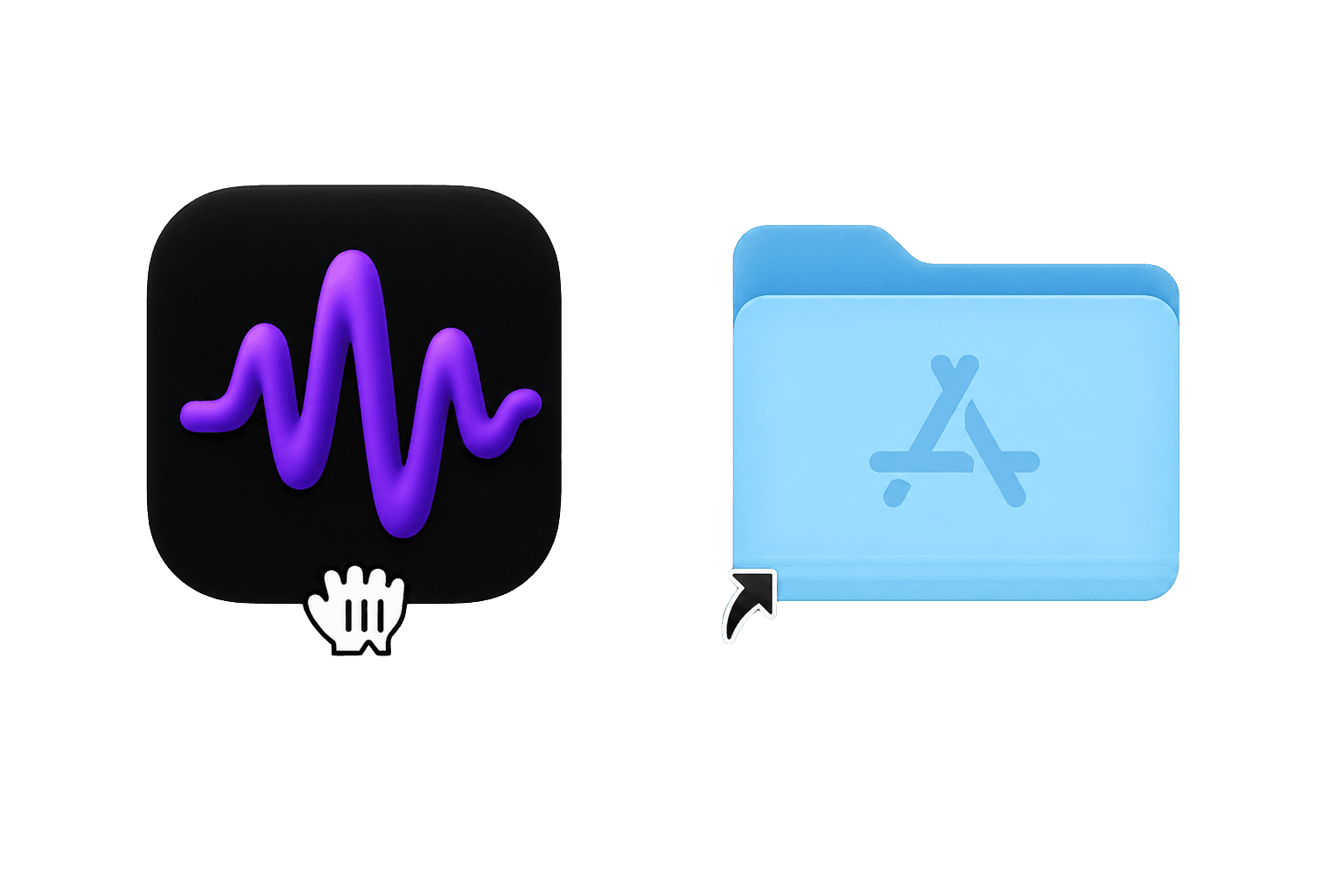
1. Download and install
Download Subtitle Studio AI, open the .dmg, and drag the app into your Applications folder. On Windows, run the installer (or use the portable version).
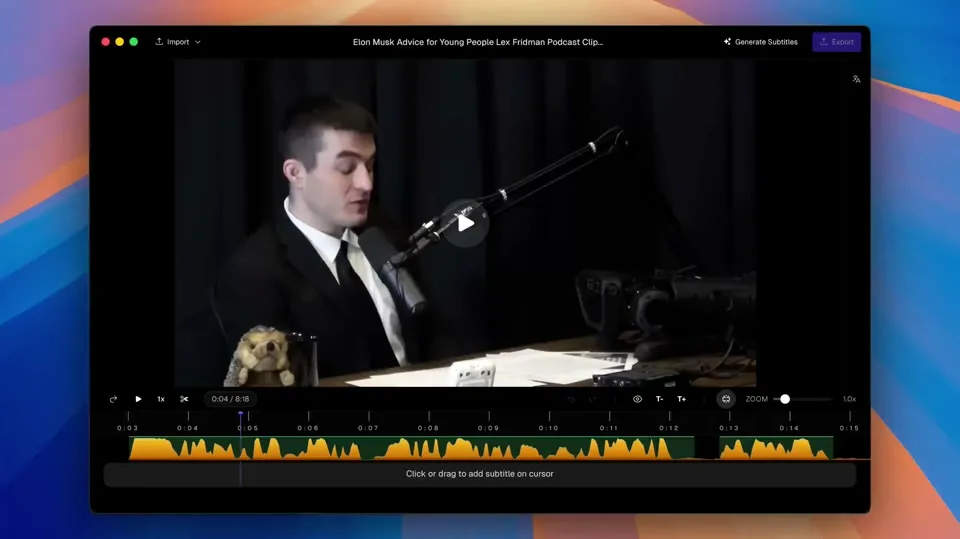
2. Drag and drop your video
Drop any video file into the app — MP4, MOV, MKV, and more. No uploads, no cloud.
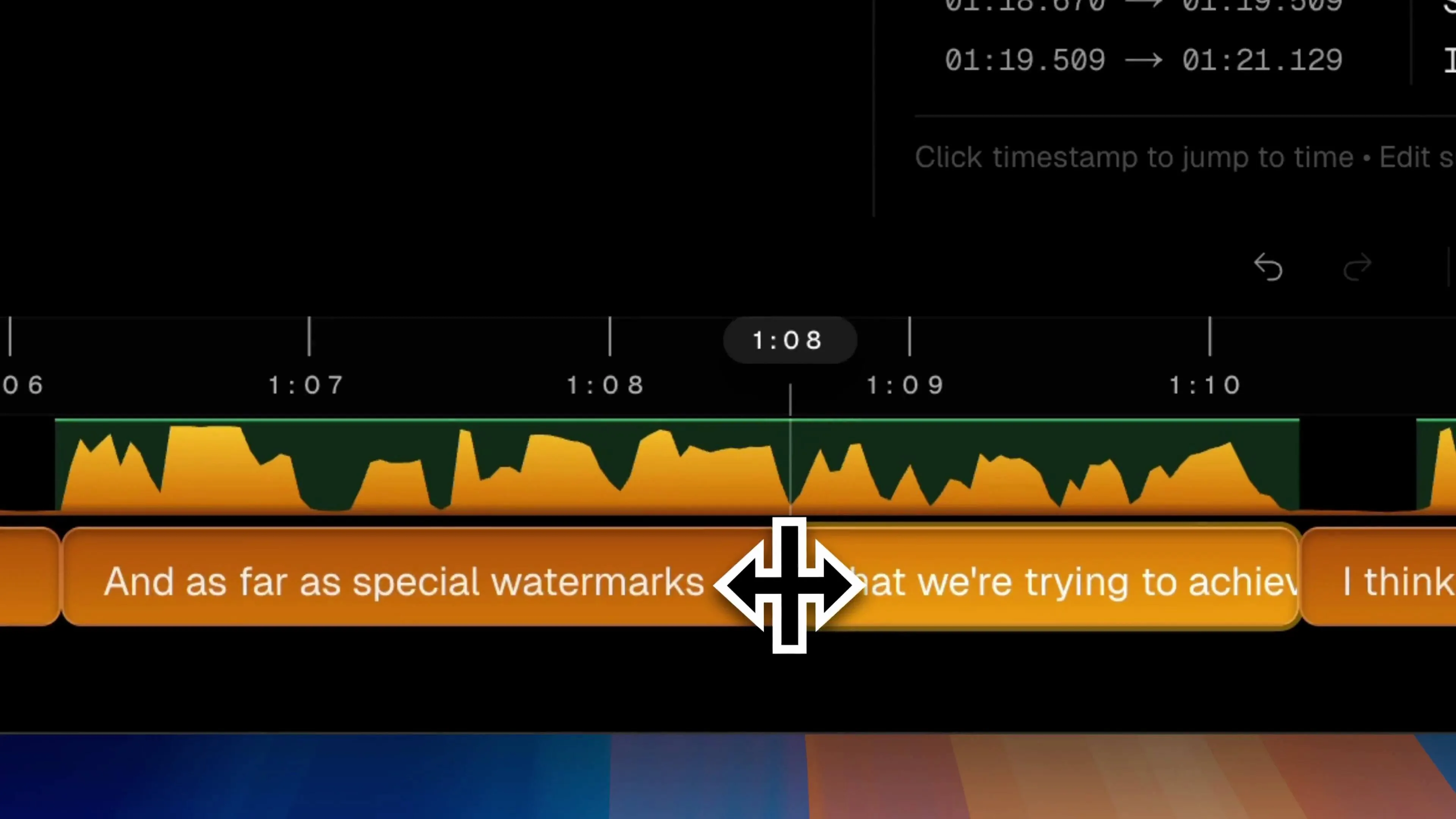
3. Generate and edit
Click Generate to transcribe locally, then fine-tune timing, line breaks, and wording in the editor.
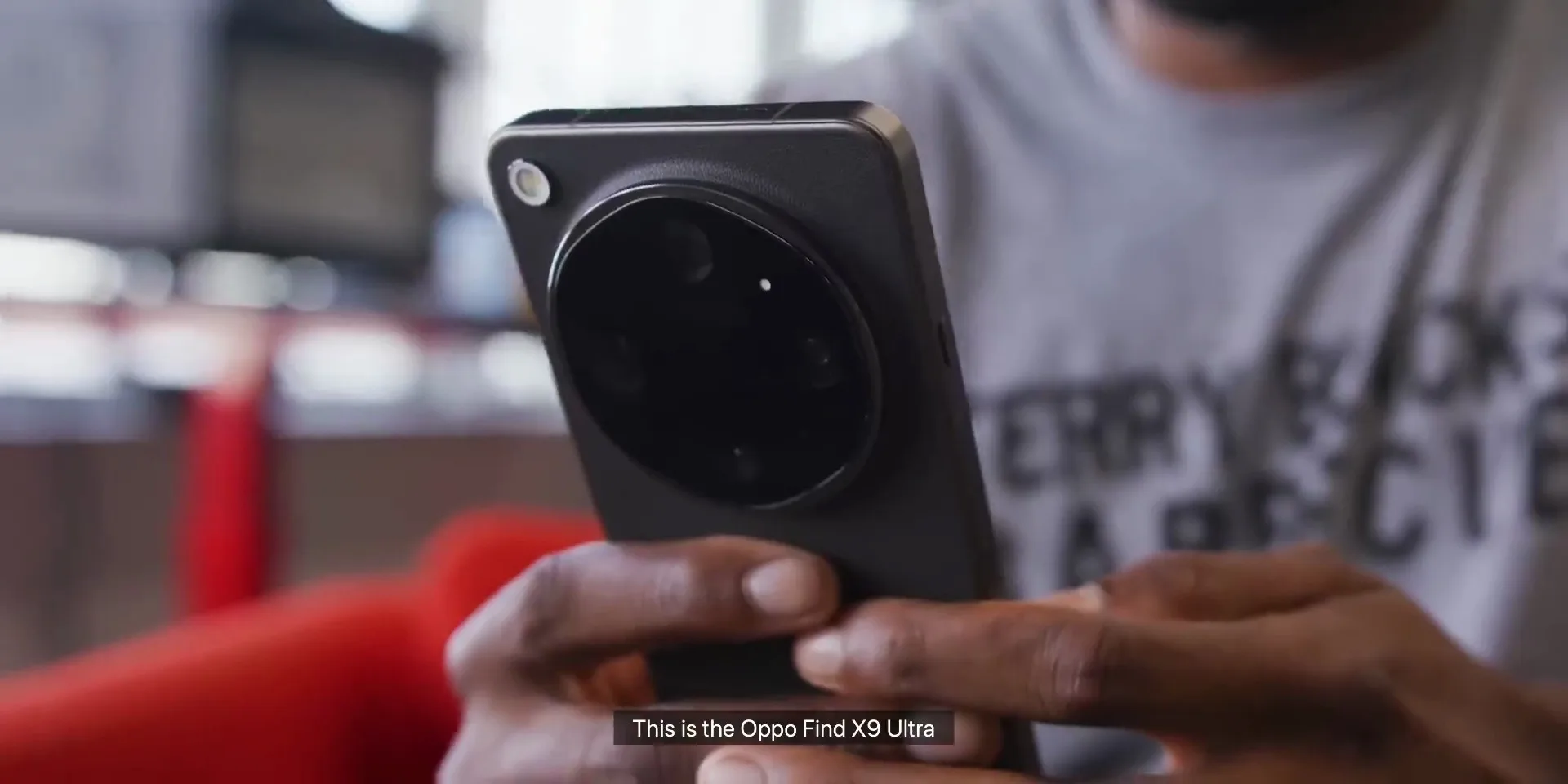
4. Export SRT or burn-in video
Export a clean SRT/VTT file for your NLE, or burn subtitles directly into your video — all on your computer.
Video Tutorial
Watch a quick walkthrough: import a video, generate subtitles, and export.
Blogs
Frequently Asked Questions
Is Subtitle Studio AI safe to download? Will it cause macOS or Windows security warnings?
Yes, it is 100% safe. The Mac app is digitally signed and notarized directly by Apple. If you encounter a "developer cannot be verified" prompt during installation, simply right-click the app icon and select "Open" to grant permission safely.
On Windows, SmartScreen may show a warning because we're a new publisher — click "More info", then "Run anyway".
Is the download completely free? What are the limitations of the free version?
Yes, the download is free. You can use our local AI model to transcribe and view your interactive transcripts with zero time limits. Upgrading to the Pro Lifetime version unlocks advanced features like one-click SRT/VTT export and native Final Cut Pro / Premiere XML project timelines.
Does Subtitle Studio AI require an internet connection? Are my videos private?
No internet required! Subtitle Studio AI runs 100% locally on your Mac or Windows PC. Your video and audio files never leave your computer and are never uploaded to any servers. Your privacy is 100% protected.
The only network connection it needs is the model download. Once the model is downloaded, your videos and subtitles stay on your computer — completely private.
Need help?
Our team is here if you run into install issues or have product questions.
Contact Support