Subtitle Studioをダウンロード
Mac・WindowsでオフラインAI字幕の正確な生成を始めましょう。アップロード不要・月額不要・完全プライバシー保護。
macOS 12.0+(Apple Siliconのみ)
動作環境
- Apple Silicon Mac:M1・M2・M3・M4・M5以降
- macOS:12.0 (Monterey) 以降
- Windows:Windows 10 / 11(64ビット)、NVIDIA GPUがあれば高速化(任意)
- メモリ:最低8GB(16GB推奨)
- ストレージ:2GB以上の空き容量(アプリとモデル用)
Subtitle Studio AI で動画に日本語字幕を追加する方法
1. ダウンロードしてインストール
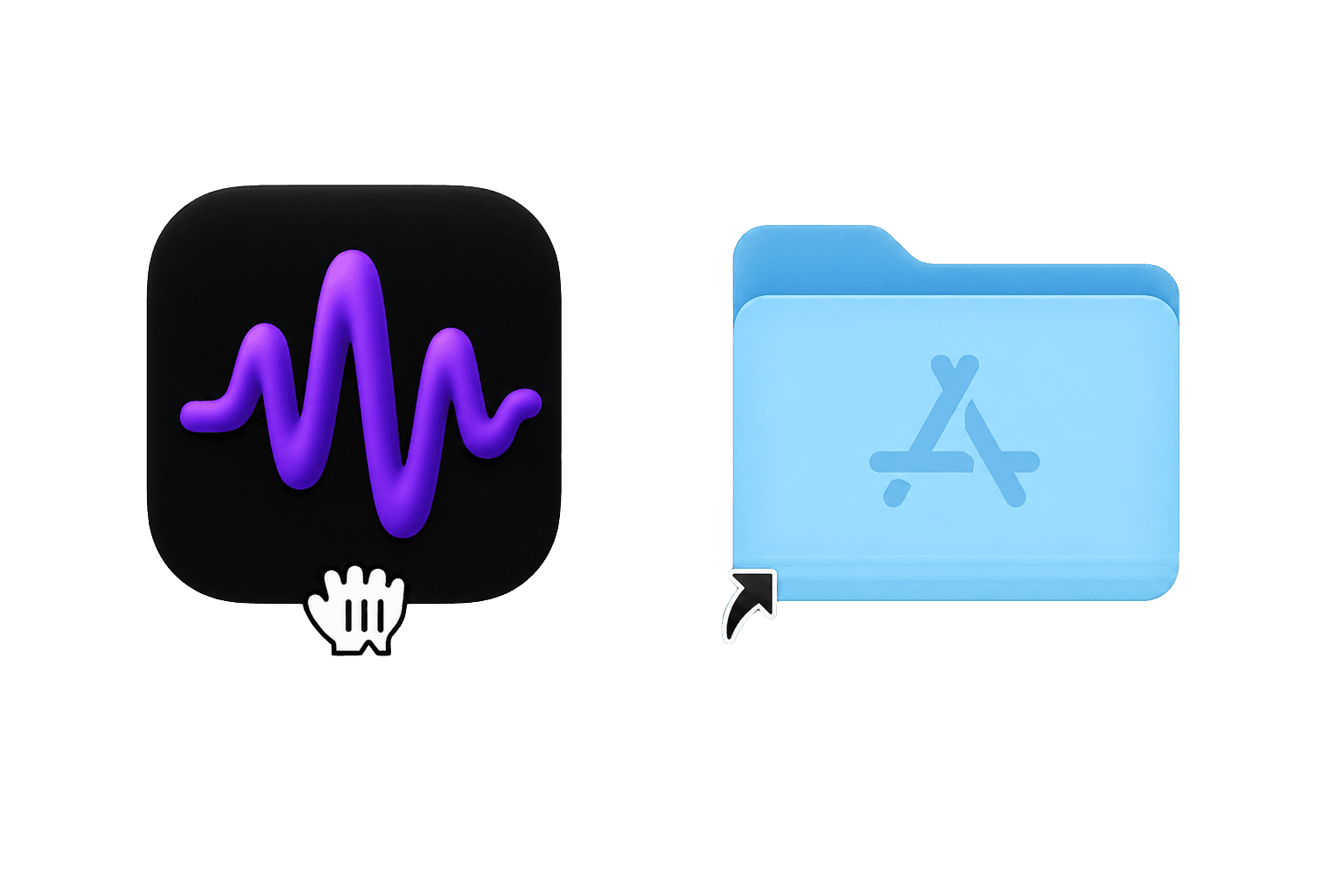
Subtitle Studio AI をダウンロードし、.dmg を開いてアプリをアプリケーションフォルダにドラッグします。Windows ではインストーラーを実行します(ポータブル版も利用可)。
2. 動画をドラッグ&ドロップ
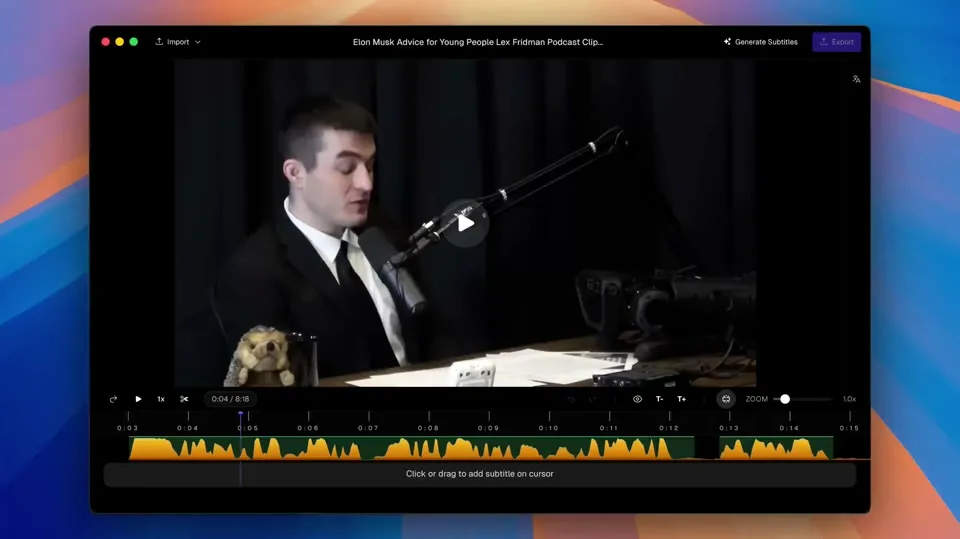
MP4、MOV、MKV など、動画ファイルをアプリにドロップするだけ。アップロード不要、クラウド不要。
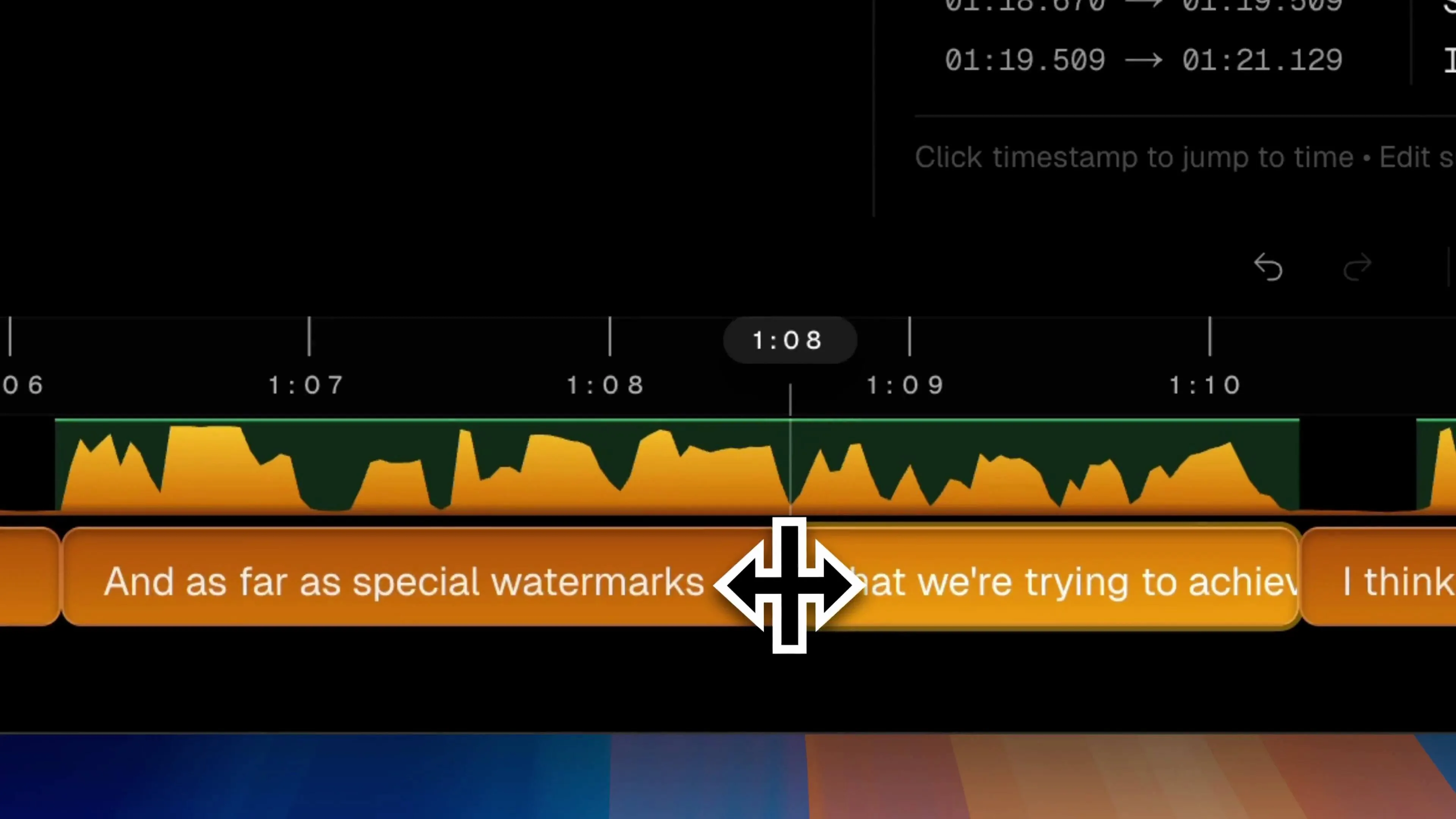
3. 生成して編集
「生成」をクリックしてローカルで文字起こしし、エディターでタイミング・改行・文言を調整します。
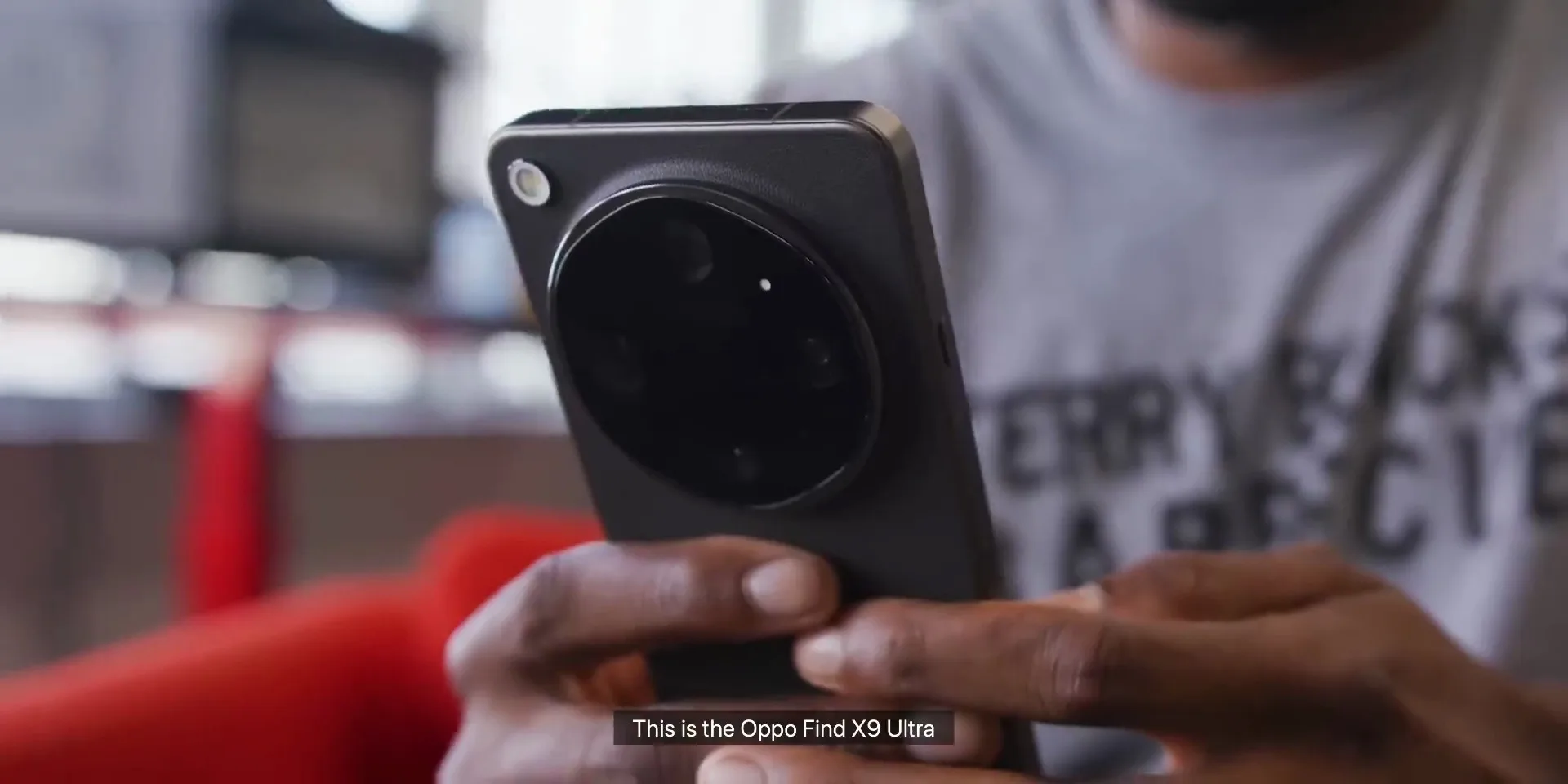
4. SRT 書き出しまたは焼き込み
NLE 用の SRT/VTT を書き出すか、字幕を動画に直接焼き込み——すべてお使いのコンピューター上で完結。
動画チュートリアル
動画の取り込み、字幕生成、書き出しまでを短時間で確認。
ブログ
Frequently Asked Questions
Is Subtitle Studio AI safe to download? Will it cause macOS or Windows security warnings?
Yes, it is 100% safe. The Mac app is digitally signed and notarized directly by Apple. If you encounter a "developer cannot be verified" prompt during installation, simply right-click the app icon and select "Open" to grant permission safely.
On Windows, SmartScreen may show a warning because we're a new publisher — click "More info", then "Run anyway".
Is the download completely free? What are the limitations of the free version?
Yes, the download is free. You can use our local AI model to transcribe and view your interactive transcripts with zero time limits. Upgrading to the Pro Lifetime version unlocks advanced features like one-click SRT/VTT export and native Final Cut Pro / Premiere XML project timelines.
Does Subtitle Studio AI require an internet connection? Are my videos private?
No internet required! Subtitle Studio AI runs 100% locally on your Mac or Windows PC. Your video and audio files never leave your computer and are never uploaded to any servers. Your privacy is 100% protected.
The only network connection it needs is the model download. Once the model is downloaded, your videos and subtitles stay on your computer — completely private.
お困りですか?
インストールの問題や製品に関するご質問は、お気軽にお問い合わせください。
サポートに連絡